Step 1
Upload Your Image
Drag and drop the noisy or grainy image you want to improve. The AI Image Denoiser supports JPG, PNG, and WebP image formats.
VideoUpscaler.com is now live. Try the new video upscaler for faster, cleaner results.
Visit VideoUpscaler.comClean up noisy, grainy, compressed, or low-light photos with Imglarger AI Image Denoiser. Reduce distracting noise while preserving useful edges, textures, and natural-looking image detail.
Drag & drop images here
or click to browse
JPG, PNG, WEBP · up to 10 MB per file · max input 1024px
Follow these simple steps to clean up noisy and grainy photos with Imglarger AI Image Denoiser.
Drag and drop the noisy or grainy image you want to improve. The AI Image Denoiser supports JPG, PNG, and WebP image formats.
Click 'Upload and Start' to let the AI automatically remove noise, reduce grain, and restore cleaner image details while preserving natural textures.
Preview the denoised image online, compare it with the original, and download the cleaner result when you are satisfied.
Our AI Image Denoiser intelligently removes digital noise, grain, and compression artifacts while preserving important textures, edges, facial features, and natural image sharpness.
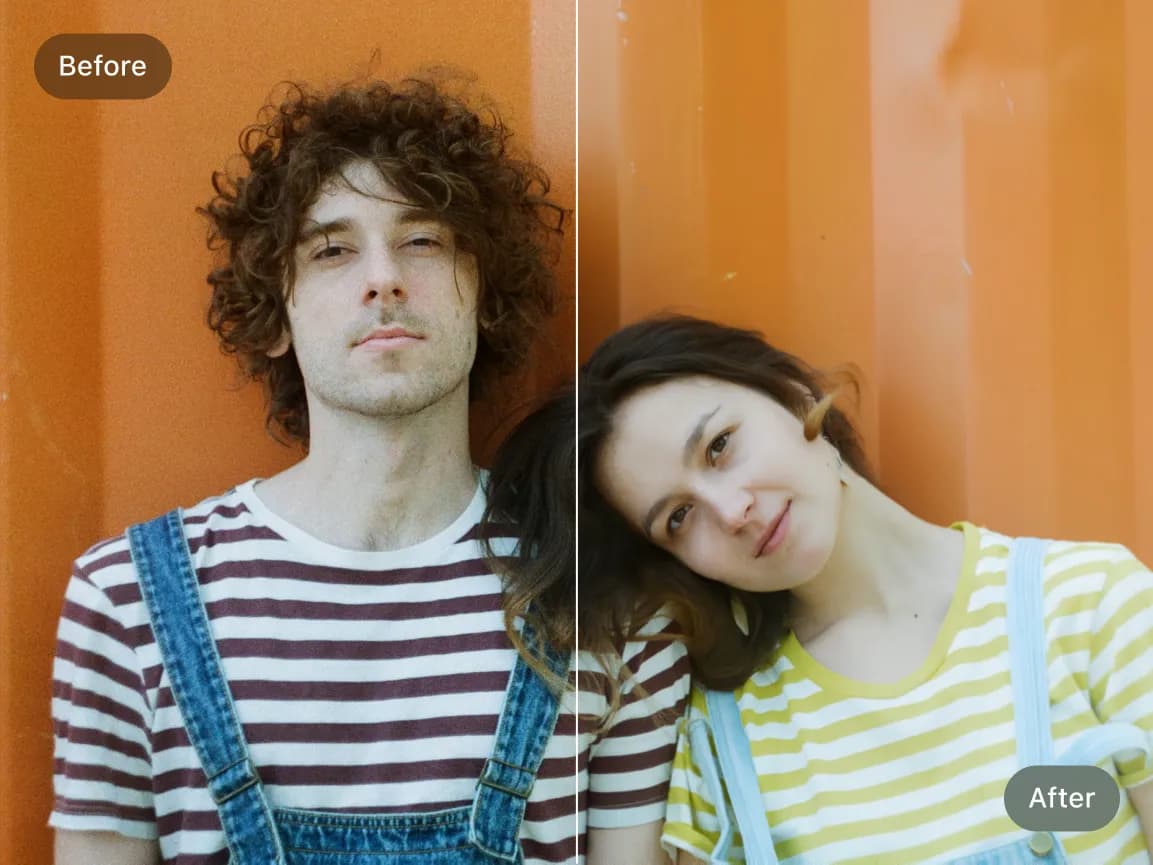
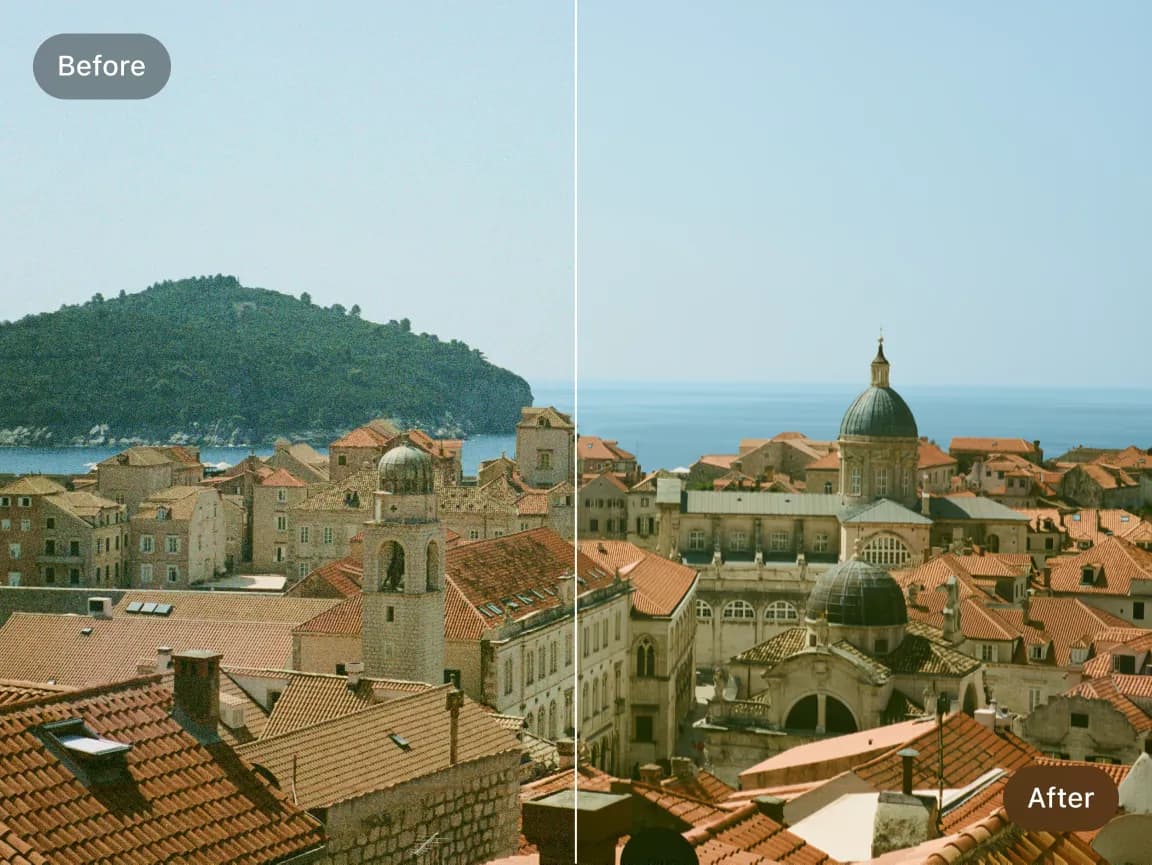
Clean up noisy night photography, smartphone photos, high-ISO camera images, scanned pictures, and compressed social media uploads with AI-powered noise reduction technology.
Choose a focused AI tool for enlarging, enhancing, repairing, or transforming an image instead of navigating a complicated editor.
Review the processed result alongside the original image before deciding whether to download it.
Upload an image, start the selected AI process, preview the result, and download it from your browser without installing software.
Work with common image formats such as JPG, PNG, and WebP, with exact format and file-size limits shown in each uploader.
Uploaded and processed images are automatically deleted within six hours instead of being kept as a permanent public gallery.
Try supported AI tools with free credits. Sign-in requirements, processing options, and usage limits may vary by tool and plan.
Find clear answers about using this Imglarger online image tool.
An AI Image Denoiser is an online tool that uses artificial intelligence to remove digital noise, grain, and compression artifacts from photos while preserving sharpness, textures, and important visual details.
The AI analyzes noisy images using deep-learning models trained to detect grain, color noise, and compression artifacts. It intelligently removes unwanted noise while restoring cleaner textures and sharper image quality.
The AI Image Denoiser works well for low-light photos, high-ISO camera images, smartphone pictures, compressed web images, scanned photos, AI-generated artwork, screenshots, and grainy digital images.
Yes. Imglarger can reduce grain, speckles, and other noisy textures in AI-generated images and digital artwork.
No. The AI Image Denoiser is designed to preserve important textures, edges, and facial details while reducing unwanted grain and digital noise for a cleaner but natural-looking result.
The AI Image Denoiser supports JPG, JPEG, PNG, and WebP image formats for flexible online image enhancement.
Yes. Imglarger supports batch image denoising, allowing you to clean up multiple noisy images simultaneously for faster workflows and higher productivity.
Yes. After processing, you can preview the denoised result online and compare it with the original image before downloading.
Yes. Imglarger works on desktop browsers, tablets, iPhone, and Android devices, making it easy to denoise images from anywhere.
Free credits may be available so you can try AI Image Denoiser. Current credit requirements, batch access, and usage limits are shown in the product interface.