Step 1
Upload Your Black-and-White Photo
Drag and drop the old black-and-white photo you want to colorize. The AI Photo Colorizer supports JPG, PNG, and WebP image formats.
VideoUpscaler.com is now live. Try the new video upscaler for faster, cleaner results.
Visit VideoUpscaler.comBring black-and-white photos to life with plausible, natural-looking color. Imglarger AI Photo Colorizer adds color to vintage portraits, family pictures, and historical images while preserving the original composition and atmosphere.
Drag & drop one image here
or click to browse
JPG, PNG, WEBP · up to 10 MB
Follow these simple steps to restore and colorize black-and-white photos with Imglarger AI Photo Colorizer.
Drag and drop the old black-and-white photo you want to colorize. The AI Photo Colorizer supports JPG, PNG, and WebP image formats.
Adjust the colorization strength if needed and optionally enable face enhancement for portraits. Then click 'Upload and Start' to let the AI restore realistic colors automatically.
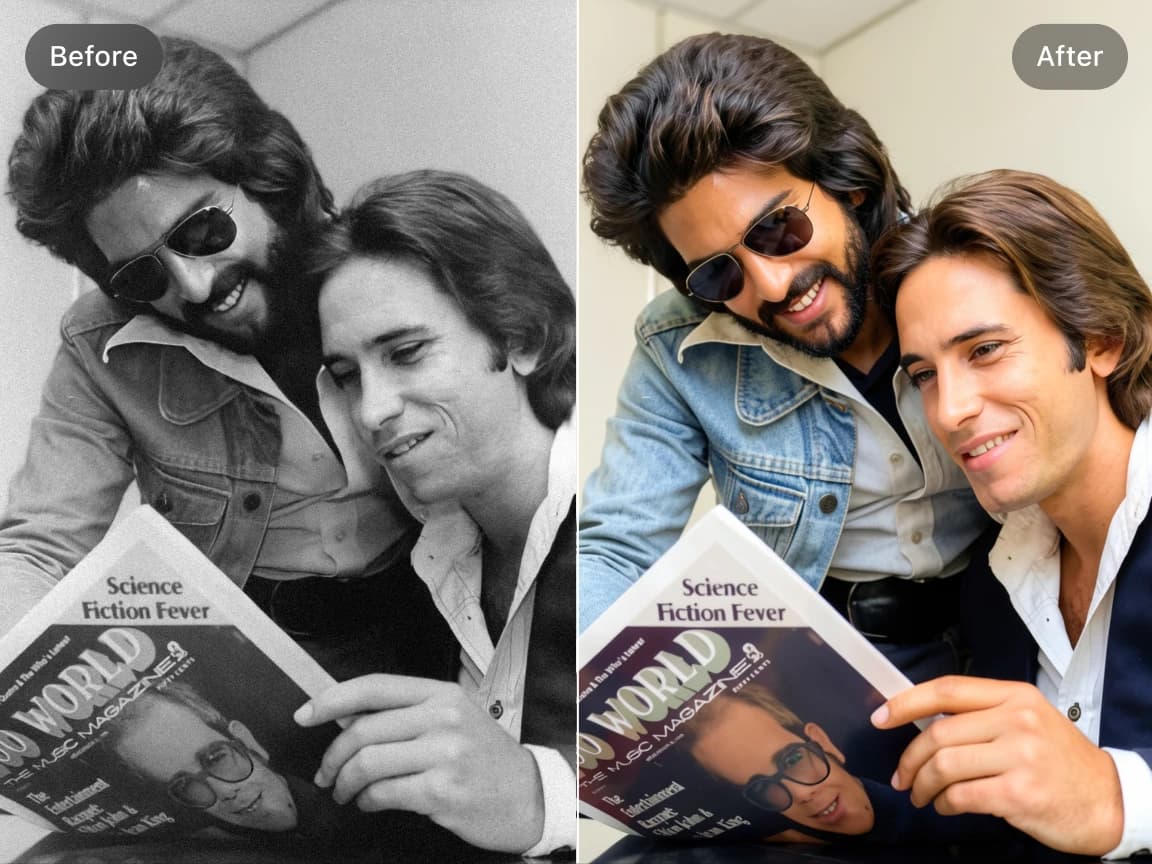
Preview the colorized result online, compare it with the original black-and-white photo, and download the final image when you are satisfied.
AI estimates natural-looking colors from the visible people, objects, lighting, and scenery in a grayscale image. The generated colors are an interpretation and may not match the original historical colors exactly.
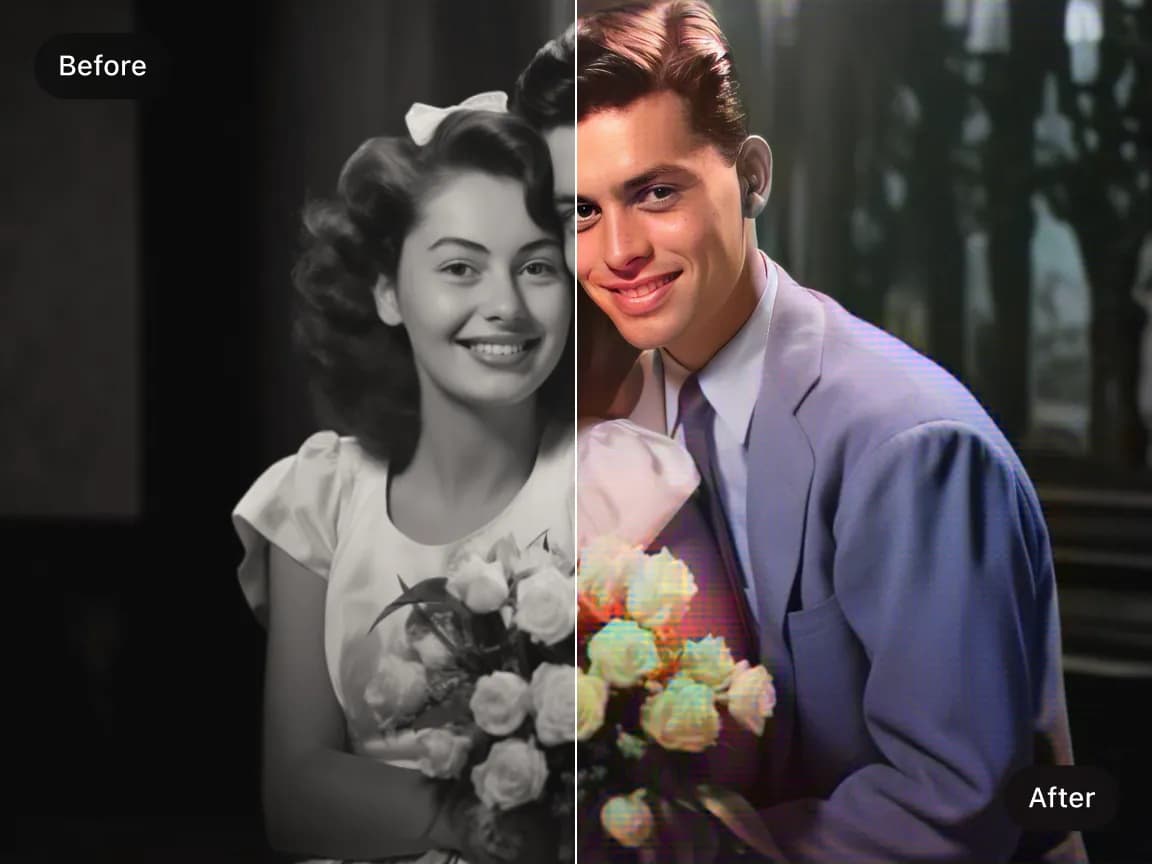
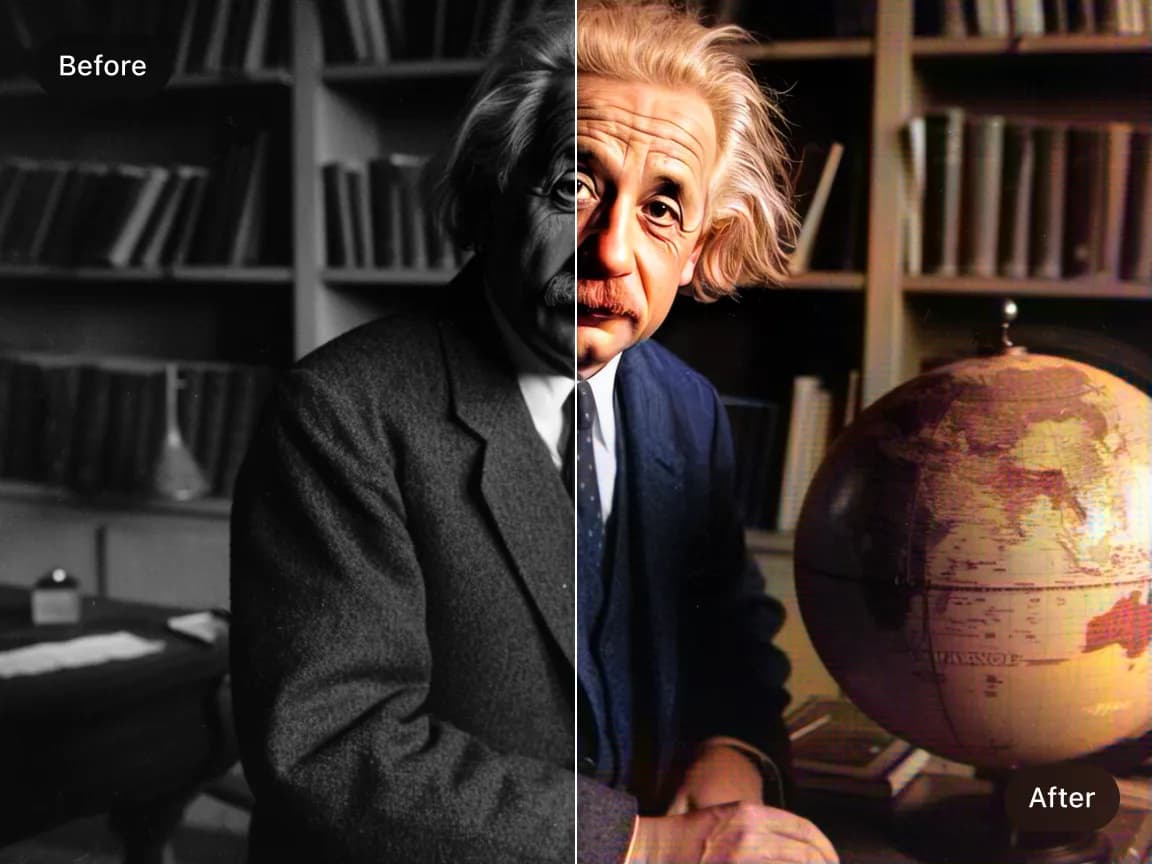
Restore old scanned photos, faded prints, and low-quality vintage images with improved color, clarity, and detail. The AI helps revive old memories while reducing washed-out textures and restoring a cleaner appearance.
Colorize portraits, wedding photos, childhood pictures, historical photographs, military archives, and antique family albums with realistic skin tones, clothing colors, and environmental details automatically.
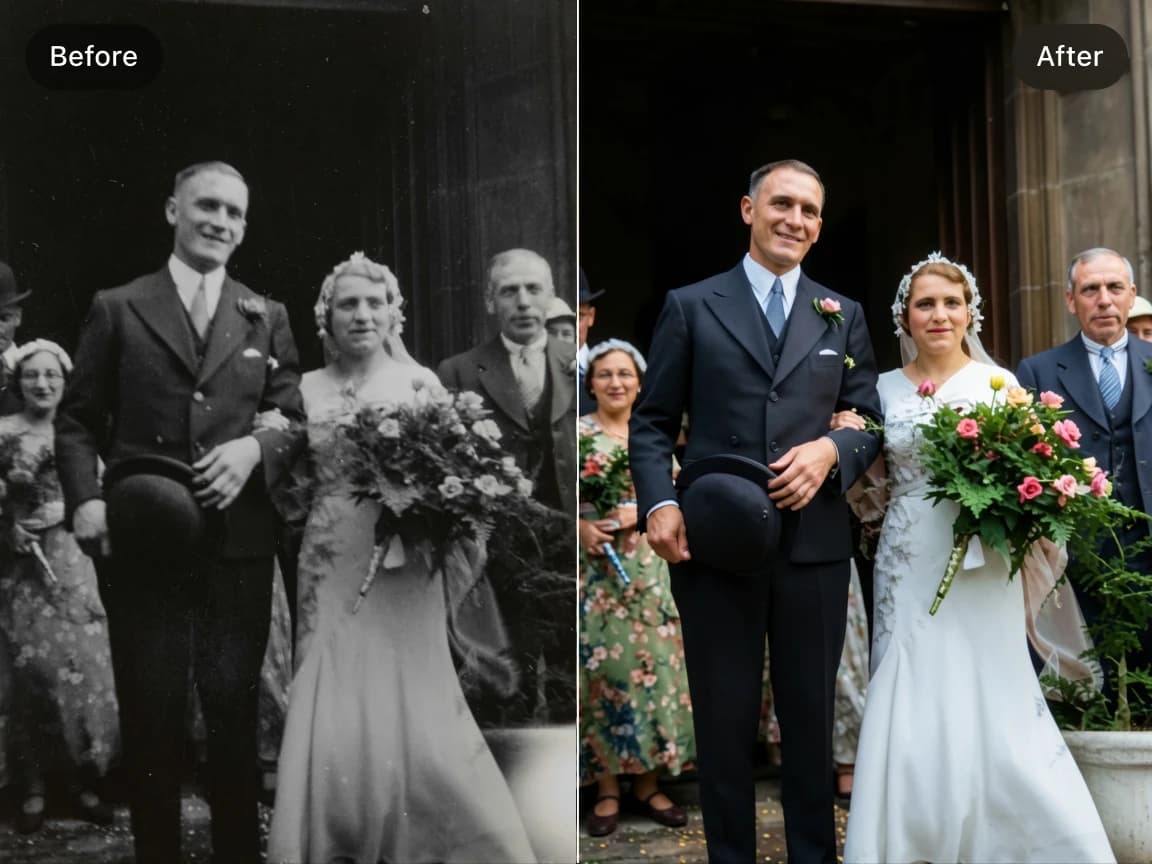
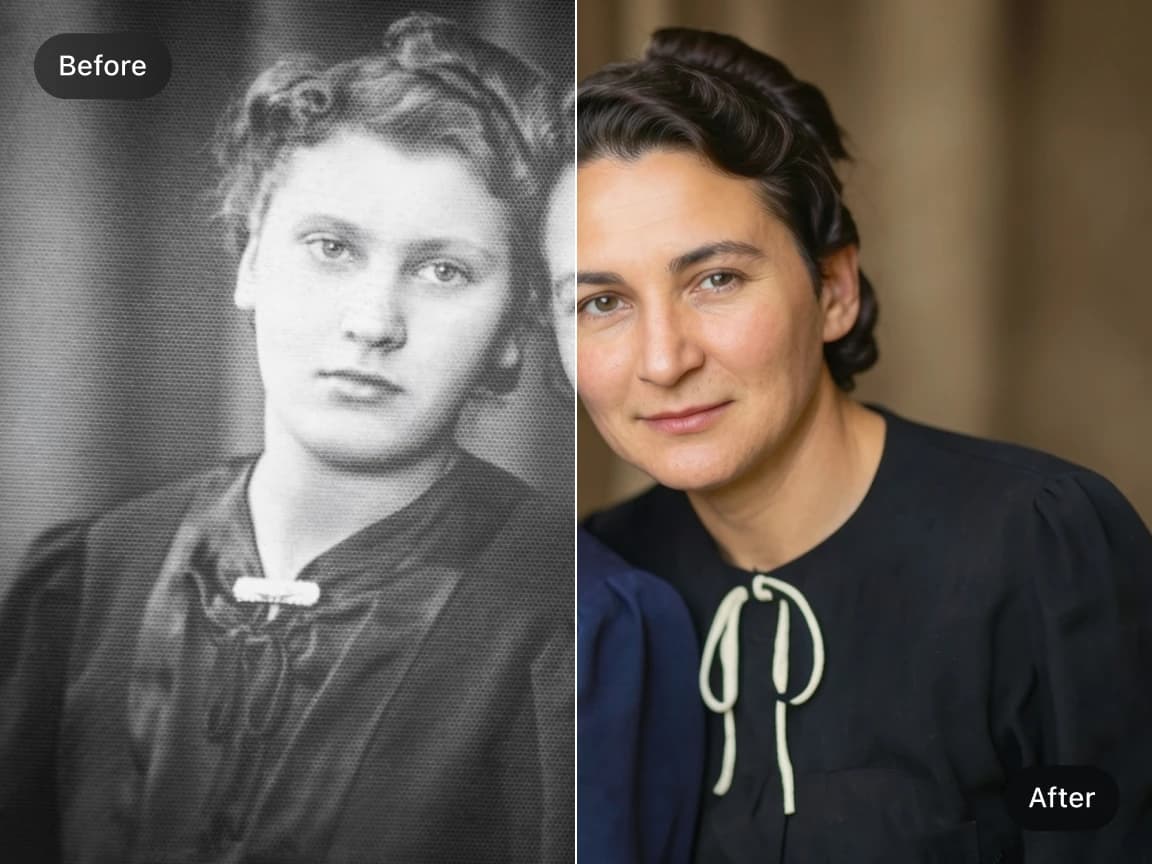
Enable AI face enhancement to restore sharper facial features, cleaner textures, and more natural-looking portrait results during the colorization process.
Transform monochrome AI-generated images and digital artwork into color versions with richer tones and visual depth while keeping the original composition recognizable.
Choose a focused AI tool for enlarging, enhancing, repairing, or transforming an image instead of navigating a complicated editor.
Review the processed result alongside the original image before deciding whether to download it.
Upload an image, start the selected AI process, preview the result, and download it from your browser without installing software.
Work with common image formats such as JPG, PNG, and WebP, with exact format and file-size limits shown in each uploader.
Uploaded and processed images are automatically deleted within six hours instead of being kept as a permanent public gallery.
Try supported AI tools with free credits. Sign-in requirements, processing options, and usage limits may vary by tool and plan.
Find clear answers about using this Imglarger online image tool.
An AI Photo Colorizer is an online tool that uses artificial intelligence to add realistic colors to black-and-white photos automatically. It restores old images with natural skin tones, clothing colors, environmental details, and improved visual depth.
The AI analyzes the people, objects, lighting, and scenery in a grayscale photo, then estimates plausible colors for different areas while preserving the original structure and atmosphere.
The AI Photo Colorizer works well for old family portraits, vintage photographs, historical archives, black-and-white wedding photos, childhood pictures, military photos, scanned prints, and faded monochrome images.
Yes. Imglarger can help restore faded, low-quality, or slightly damaged black-and-white photos by improving clarity, restoring textures, and adding realistic colors automatically.
Yes. The AI Photo Colorizer can add color to monochrome AI-generated images, illustrations, and other digital artwork.
The AI Photo Colorizer supports JPG, JPEG, PNG, and WebP image formats for both scanned historical photos and digital black-and-white artwork.
Yes. After processing, you can preview the colorized result online and compare it with the original black-and-white photo before downloading.
Not necessarily. AI predicts plausible colors from visual context but cannot know the exact original colors of clothing, objects, or locations. Treat the result as a natural-looking interpretation rather than historical proof.
Yes. Imglarger works on desktop browsers, tablets, iPhone, and Android devices, allowing you to restore and colorize old photos from almost anywhere.
Free credits may be available so you can try AI Photo Colorizer before choosing a paid plan. Current credit requirements and usage limits are shown in the product interface.