Step 1
Upload Your Image
Drag and drop the image you want to upscale. The AI image upscaler supports JPG, PNG, and WebP formats and works well for portraits, AI-generated art, product photos, anime images, illustrations, and more.
VideoUpscaler.com is now live. Try the new video upscaler for faster, cleaner results.
Visit VideoUpscaler.comIncrease image resolution online with Imglarger AI Image Upscaler. Turn small, compressed, or low-resolution images into cleaner 2x or 4x results for 4K screens, websites, eCommerce, social media, and creative projects.
Drag & drop images here
or click to browse
JPG, PNG, WEBP · up to 10 MB per file · max input 1024px
Follow these simple steps to upscale and enhance your images with Imglarger AI Image Upscaler.
Drag and drop the image you want to upscale. The AI image upscaler supports JPG, PNG, and WebP formats and works well for portraits, AI-generated art, product photos, anime images, illustrations, and more.
Select either 200% or 400% upscaling based on your desired output size and quality. Then click 'Upload and Start' to let the AI automatically enlarge and enhance the image.
Preview the upscaled image online, compare it with the original, and download the enhanced high-resolution result when you are satisfied.
Upscale images to 2x or 4x while improving edge detail, texture, and overall clarity. The AI reduces pixelation and compression artifacts so low-resolution images look cleaner at larger sizes.


Prepare photos, product images, thumbnails, wallpapers, and digital artwork for high-resolution displays. The AI image upscaler helps small images look sharper on websites, presentations, and 4K screens.
Increase the resolution of AI-generated images and digital artwork while keeping the original composition and visual style recognizable.
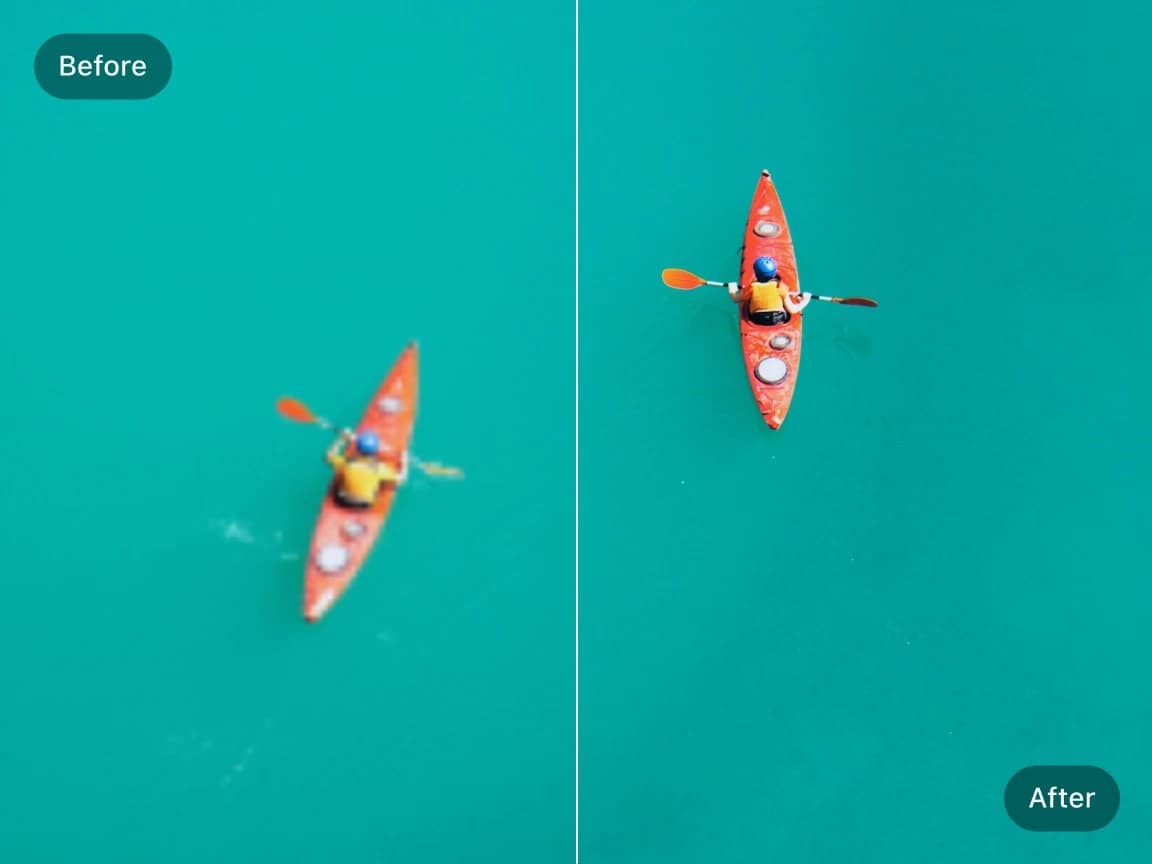
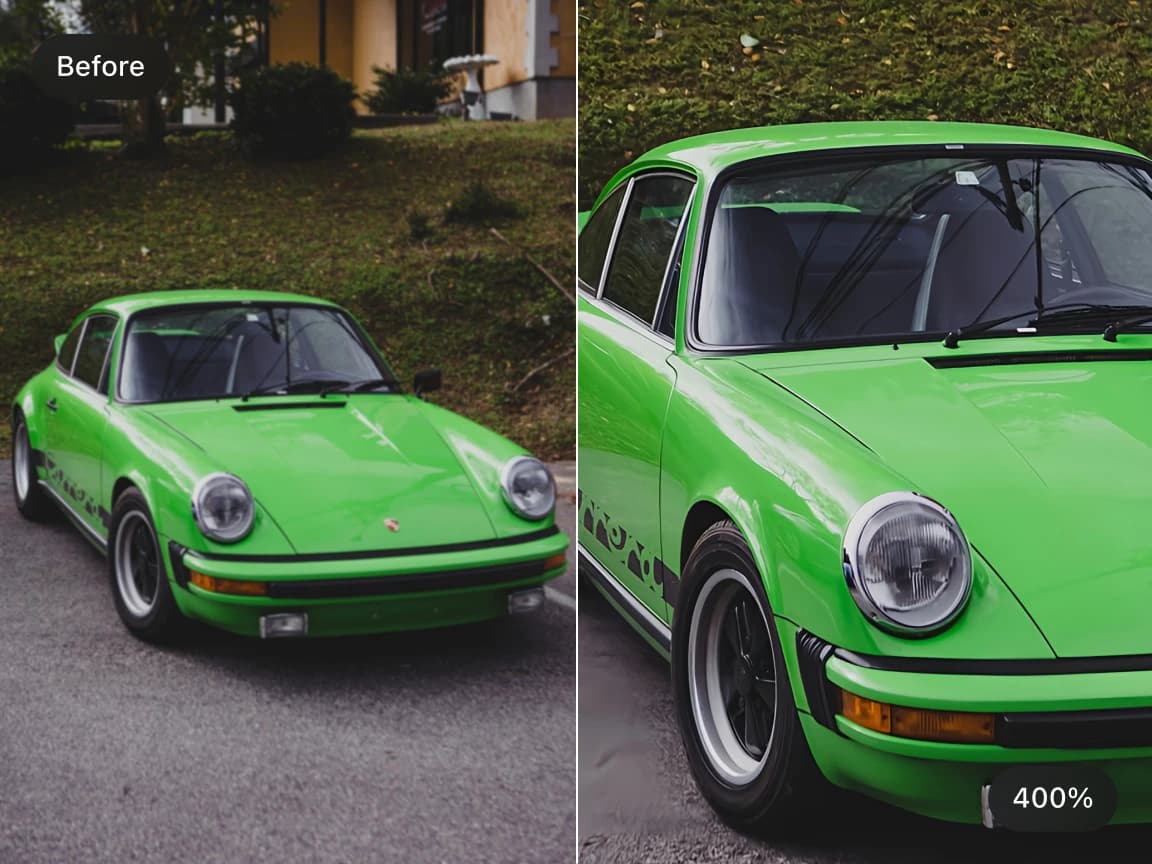
Use 2x upscaling for quick resolution improvement or 4x upscaling when you need a much larger output. The AI balances clarity, texture, and natural detail based on the source image.
Upscale multiple images in one workflow for product catalogs, design assets, social posts, and photo collections. Batch processing helps teams and creators prepare higher-resolution images faster.
Choose a focused AI tool for enlarging, enhancing, repairing, or transforming an image instead of navigating a complicated editor.
Review the processed result alongside the original image before deciding whether to download it.
Upload an image, start the selected AI process, preview the result, and download it from your browser without installing software.
Work with common image formats such as JPG, PNG, and WebP, with exact format and file-size limits shown in each uploader.
Uploaded and processed images are automatically deleted within six hours instead of being kept as a permanent public gallery.
Try supported AI tools with free credits. Sign-in requirements, processing options, and usage limits may vary by tool and plan.
Find clear answers about using this Imglarger online image tool.
An AI image upscaler is an online tool that uses artificial intelligence to enlarge and enhance images while preserving sharpness, texture quality, and natural details. It creates higher-resolution images that look cleaner and more realistic than traditional resizing methods.
The AI analyzes edges, textures, and patterns in the source image, then generates a larger output with improved definition and less visible pixelation than basic resizing.
Yes. Imglarger can increase the resolution of AI-generated images while improving visible texture, line work, and edge clarity.
AI upscaling focuses on increasing resolution for cleaner high-resolution output, often 2x or 4x. Image enlargement focuses more directly on making the image physically larger, such as up to 8x.
Depending on the original dimensions and selected scale, the output may reach or exceed 4K dimensions. A 4K result is not guaranteed for every small source image.
The AI image upscaler works well for portraits, landscapes, product photos, screenshots, anime artwork, AI-generated images, social media photos, illustrations, and old low-resolution images that need higher clarity and resolution.
Yes. Imglarger supports batch image upscaling, allowing you to upscale multiple images simultaneously. This is especially useful for photographers, designers, eCommerce sellers, and content creators working with large image libraries.
AI upscaling is designed to improve resolution while reducing visible pixelation and blur. Results depend on the source image, but clearer originals usually produce sharper, more detailed upscaled images.
Yes. After upscaling, you can continue editing your images using Imglarger's built-in editing tools to crop photos, adjust brightness, refine colors, improve exposure, or make additional enhancements.
Yes. Imglarger works on desktop browsers, tablets, iPhone, and Android devices, making it easy to upscale and enhance images from anywhere.