Step 1
Upload Your Damaged Photo
Drag and drop the scratched, faded, or damaged photo into the AI Old Photo Repair workspace. Supported formats include JPG, PNG, and WebP, with a maximum upload size of 10MB.
VideoUpscaler.com is now live. Try the new video upscaler for faster, cleaner results.
Visit VideoUpscaler.comRepair scratched, cracked, stained, or damaged old photos with Imglarger AI Old Photo Repair. Reduce visible surface damage and improve clarity while keeping the original people and composition recognizable.
Drag & drop one image here
or click to browse
JPG, PNG, WEBP · up to 10 MB
Follow these simple steps to repair scratched or damaged photos with Imglarger AI Old Photo Repair.
Drag and drop the scratched, faded, or damaged photo into the AI Old Photo Repair workspace. Supported formats include JPG, PNG, and WebP, with a maximum upload size of 10MB.
Click 'Upload and Start' to let the AI detect scratches, repair damaged areas, reduce imperfections, and enhance overall photo quality automatically.
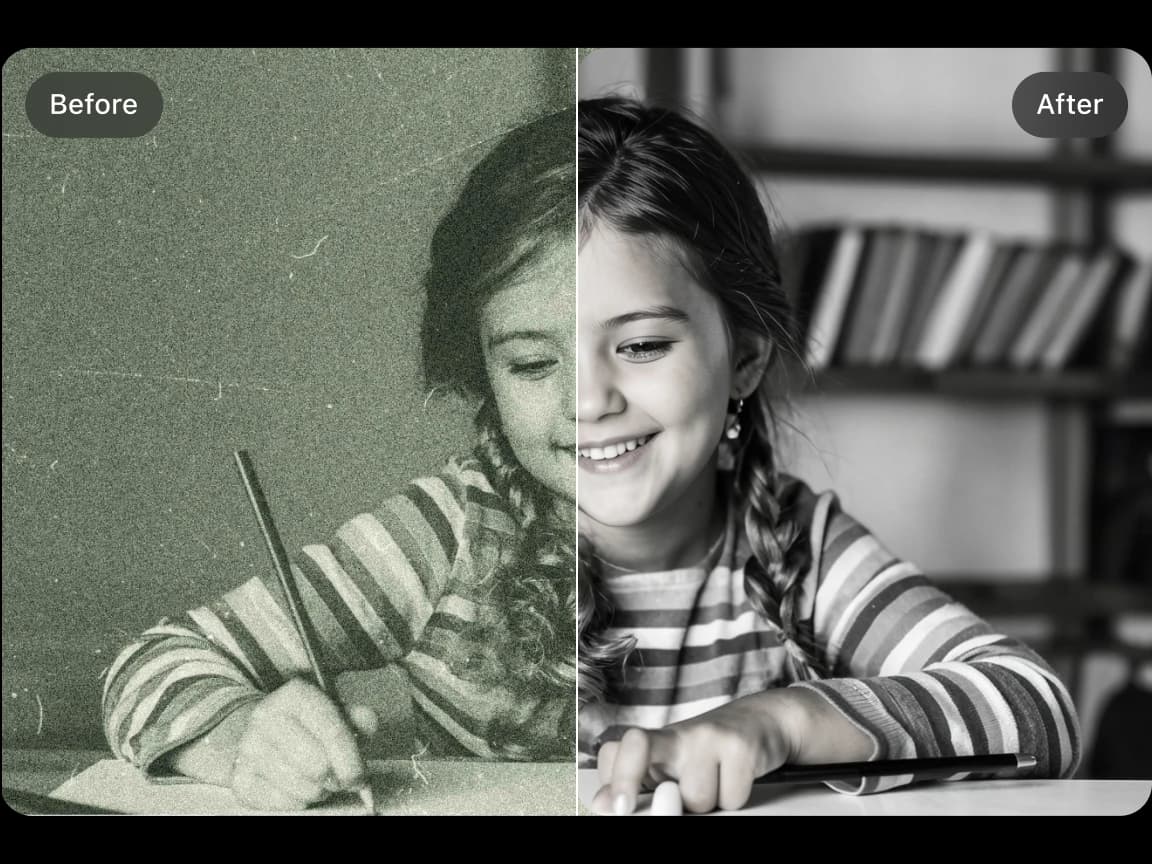
Use the comparison slider to review the before-and-after result. When the repaired photo looks right, click 'Download' to save the restored image.
AI Old Photo Repair detects and reduces scratches, cracks, stains, dust marks, and surface damage from vintage photos. It restores cleaner details while preserving the original photo structure and natural appearance.


Improve scanned prints and archive images affected by small cracks, minor tears, stains, fading, or poor storage. Large missing areas may not be reconstructed accurately.
Beyond scratch removal, the AI improves sharpness, contrast, brightness, and fine details to create a cleaner and more polished restored photo.
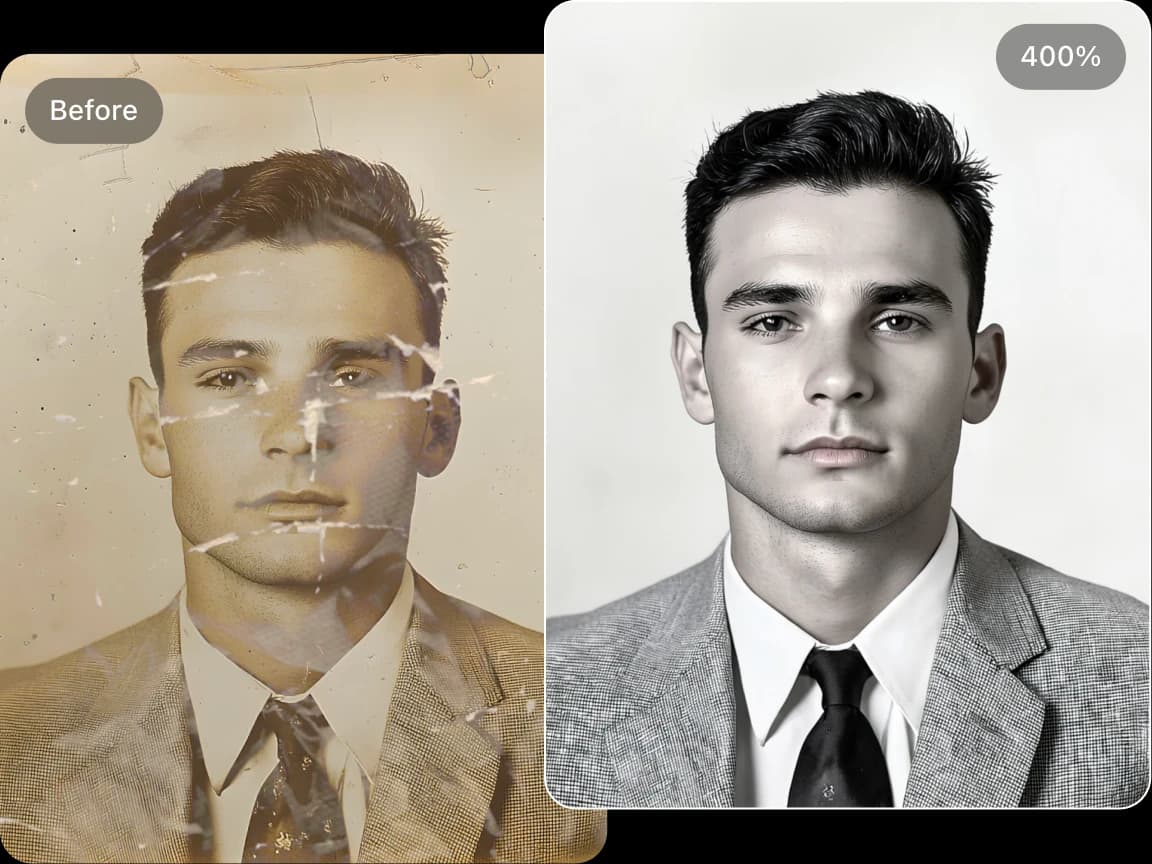
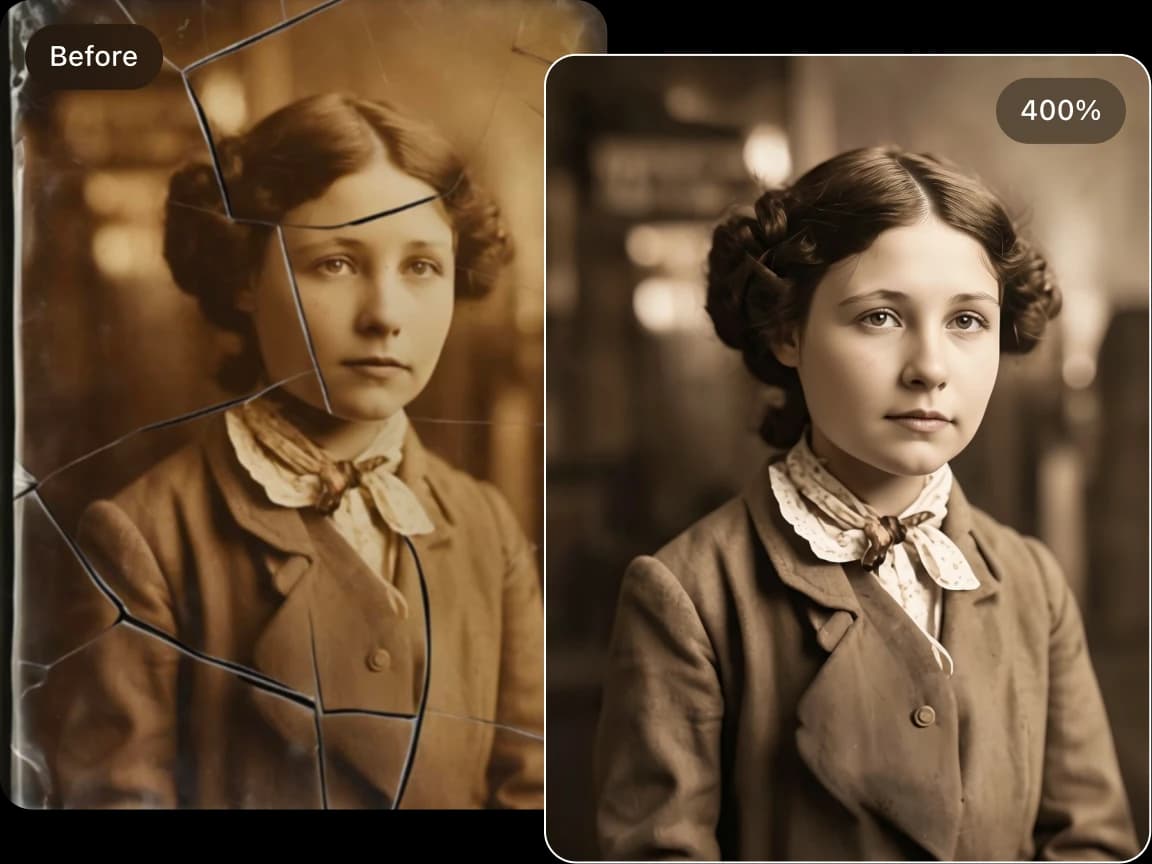
Repair wedding photos, childhood pictures, family portraits, historical records, military photos, and antique albums for digital archiving, printing, and sharing.
Clean unwanted scratches, artifacts, faded textures, and damaged-photo effects from AI-generated vintage images and digital artwork.
Choose a focused AI tool for enlarging, enhancing, repairing, or transforming an image instead of navigating a complicated editor.
Review the processed result alongside the original image before deciding whether to download it.
Upload an image, start the selected AI process, preview the result, and download it from your browser without installing software.
Work with common image formats such as JPG, PNG, and WebP, with exact format and file-size limits shown in each uploader.
Uploaded and processed images are automatically deleted within six hours instead of being kept as a permanent public gallery.
Try supported AI tools with free credits. Sign-in requirements, processing options, and usage limits may vary by tool and plan.
Find clear answers about using this Imglarger online image tool.
AI Old Photo Repair is an online restoration tool that uses artificial intelligence to fix scratched, faded, torn, or damaged old photos. It helps remove visible imperfections, improve clarity, and restore vintage images automatically.
The AI analyzes the photo for scratches, cracks, stains, fading, and other visible defects, then reduces those imperfections and improves overall clarity and contrast.
AI Old Photo Repair works well for scratches, dust marks, stains, small tears, fading, and general aging damage. Results may vary for severely torn, heavily blurred, or missing large image areas.
Yes. The tool can improve faded photos by enhancing clarity, contrast, texture, and overall image quality while reducing visible age-related imperfections.
You can repair old family portraits, wedding photos, childhood pictures, historical photos, scanned prints, archive images, black-and-white photos, and vintage color photos.
The AI Old Photo Repair tool supports JPG, JPEG, PNG, and WebP image formats. The maximum upload size is 10MB per image.
The AI aims to restore the photo as naturally as possible, but the final result depends on the severity of the damage and the quality of the original scan or image.
Yes. You can use the tool to reduce scratches, artifacts, faded textures, or damaged-photo effects in AI-generated vintage-style images.
Yes. After processing, you can preview the repaired photo and compare it with the original using the before-and-after slider.
No. Simply upload your damaged photo and let the AI repair scratches, reduce imperfections, and enhance image quality automatically.