Step 1
Upload Your Old Photo
Drag and drop the old photo you want to restore. You can upload JPG, PNG, or WebP images with a maximum file size of 10MB.
VideoUpscaler.com is now live. Try the new video upscaler for faster, cleaner results.
Visit VideoUpscaler.comBring faded, blurry, or low-resolution old photos back to life with Imglarger AI Photo Restoration. Restore face portraits, improve image clarity, upscale vintage pictures, recover fine details, and create cleaner high-quality results for family albums, printing, and digital sharing.
Drag & drop one image here
or click to browse
JPG, PNG, WEBP · up to 10 MB
Follow these simple steps to restore old photos and enhance image details with Imglarger AI Photo Restoration.
Drag and drop the old photo you want to restore. You can upload JPG, PNG, or WebP images with a maximum file size of 10MB.
Click 'Upload and Start' to let the AI restore image clarity, enhance facial details, improve textures, and upscale the old photo automatically.
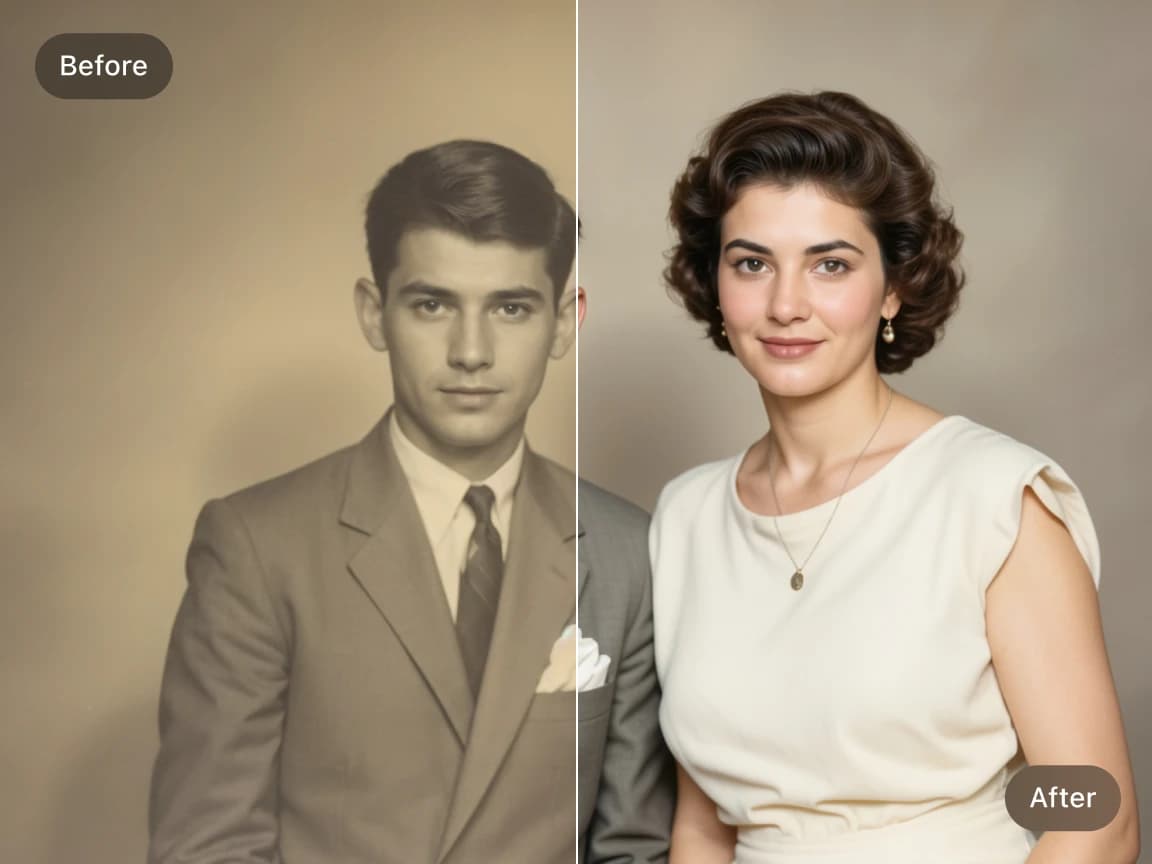
Preview the restored photo online, compare before-and-after improvements, and download the enhanced high-quality image when you are satisfied.
Enhance vintage portraits and family photos with AI-powered restoration. The tool improves facial clarity, restores fine details, sharpens textures, and helps faded memories look cleaner and more vivid while preserving the original look.
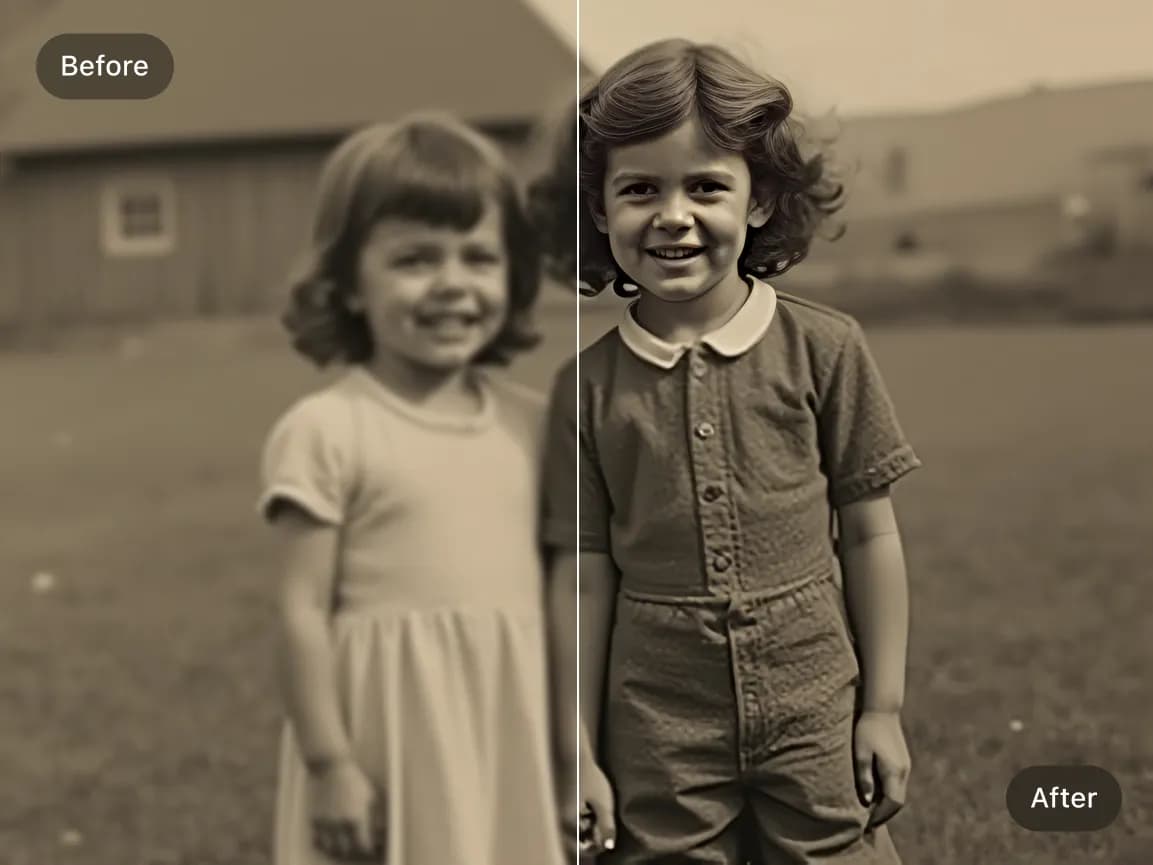
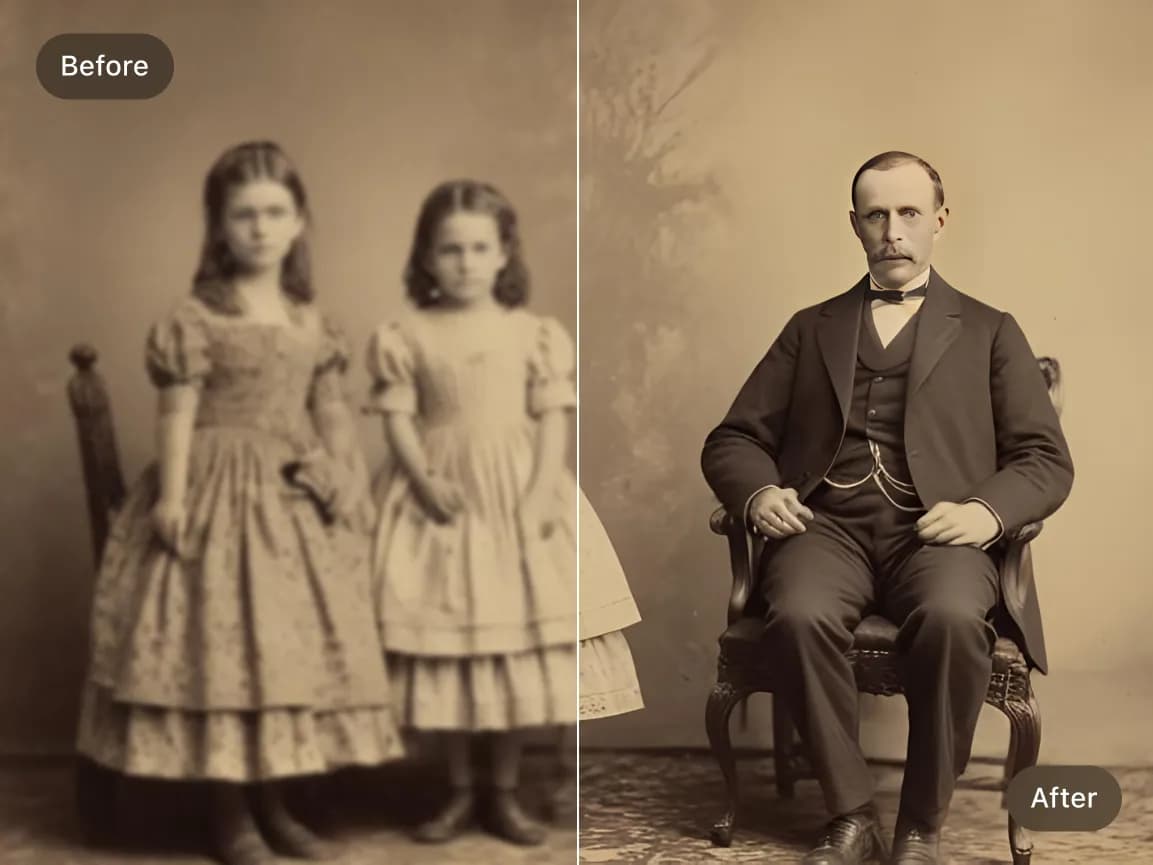
Increase the resolution of old photos while improving sharpness and overall image quality. Perfect for scanned prints, low-resolution portraits, historical images, and old family pictures that need clearer details.
Enhance photos affected by softness, fading, weak contrast, poor scanning, or compression. For scratches, cracks, stains, or physical damage, use the dedicated AI Old Photo Repair tool.
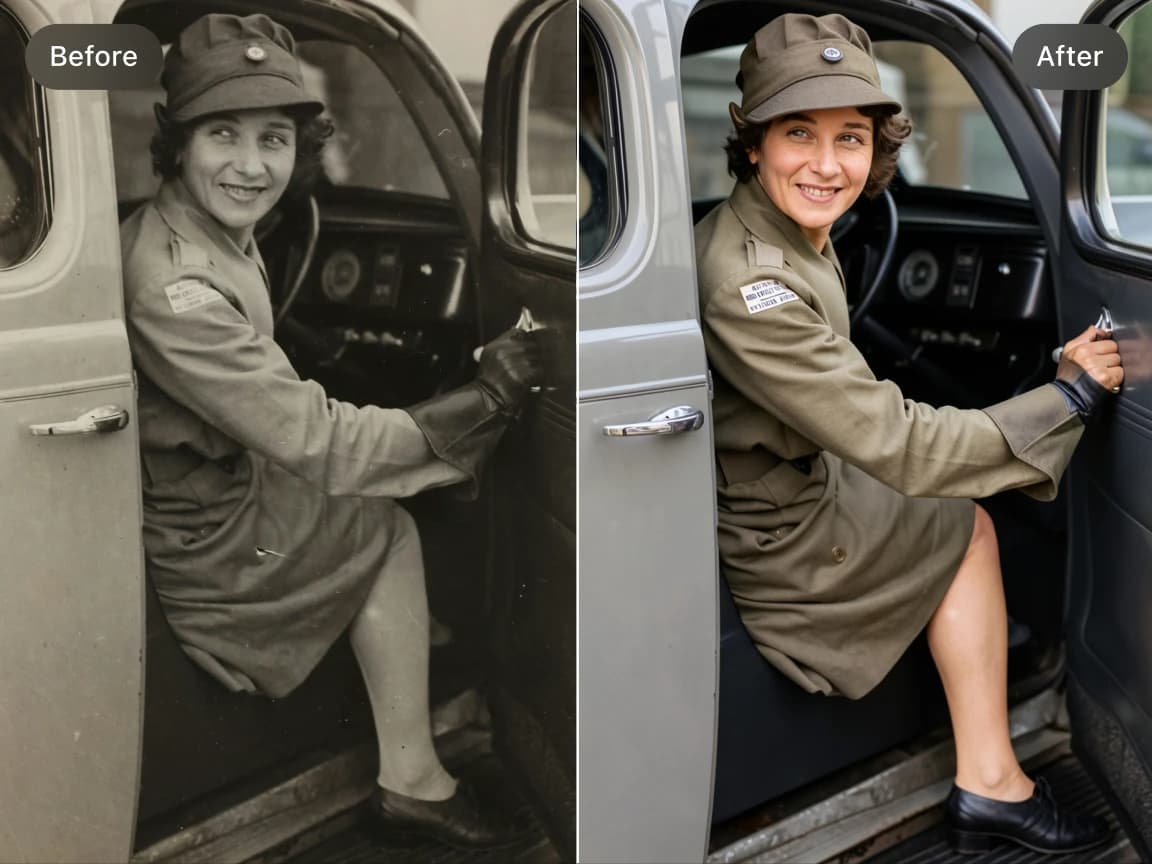
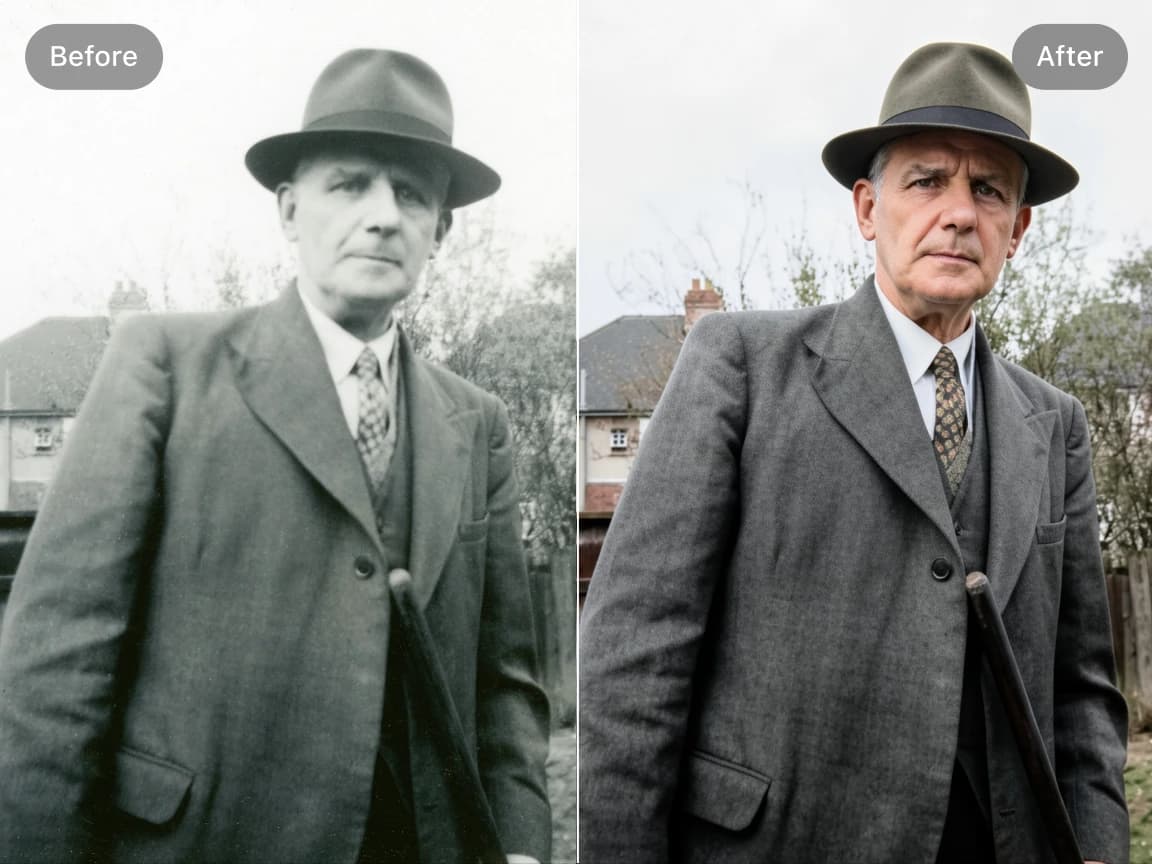
Recover clearer facial features in old portraits, wedding photos, childhood pictures, and family archives. The AI improves eyes, skin texture, hair, and facial contours while keeping the result natural.
Improve AI-generated vintage images and old-photo-style artwork by enhancing detail, refining faces, cleaning visible artifacts, and increasing resolution.
Choose a focused AI tool for enlarging, enhancing, repairing, or transforming an image instead of navigating a complicated editor.
Review the processed result alongside the original image before deciding whether to download it.
Upload an image, start the selected AI process, preview the result, and download it from your browser without installing software.
Work with common image formats such as JPG, PNG, and WebP, with exact format and file-size limits shown in each uploader.
Uploaded and processed images are automatically deleted within six hours instead of being kept as a permanent public gallery.
Try supported AI tools with free credits. Sign-in requirements, processing options, and usage limits may vary by tool and plan.
Find clear answers about using this Imglarger online image tool.
AI Photo Restoration is an online tool that uses artificial intelligence to improve old, faded, blurry, or low-resolution photos. It can restore facial details, enhance clarity, upscale image resolution, and make vintage pictures look cleaner and sharper.
The AI analyzes your old photo to identify blur, low resolution, faded details, and weak facial features. It then enhances textures, sharpens important areas, improves clarity, and increases resolution automatically.
Yes. The tool is especially useful for restoring old face portraits, family photos, wedding pictures, and childhood images. It improves facial clarity, sharpness, and detail while keeping the portrait natural.
Yes. Imglarger AI Photo Restoration can upscale old photos while improving image quality, making them clearer and more suitable for printing, archiving, or sharing online.
The tool works well for vintage family portraits, old scanned photos, low-resolution pictures, faded images, slightly blurry photos, historical photos, and black-and-white or color images that need detail enhancement.
The AI is designed to enhance clarity, sharpness, and details while preserving the original appearance as much as possible. Results may vary depending on photo quality, but the goal is a natural restored image.
Photo Restoration focuses on faded color, soft faces, weak detail, and low resolution. AI Old Photo Repair is better suited to visible scratches, cracks, stains, and minor physical damage.
Most photos are restored within a few seconds to a few minutes, depending on image size, resolution, and processing complexity.
The AI Photo Restoration tool supports JPG, JPEG, PNG, and WebP image formats. The maximum upload size is 10MB.
Yes. After processing, you can preview the restored image online, compare the before-and-after result, and download the final version if you are satisfied.