Step 1
Upload Your Image
Drag and drop the blurry image you want to sharpen. Our AI image sharpener supports JPG, PNG, and WebP formats for quick and easy processing.
VideoUpscaler.com is now live. Try the new video upscaler for faster, cleaner results.
Visit VideoUpscaler.comFix blurry photos, soft focus, fuzzy edges, and unclear details with Imglarger AI Image Sharpener. Upload an image and create a crisper, more defined result for portraits, product photos, screenshots, and AI-generated images.
Drag & drop one image here
or click to browse
JPG, PNG, WEBP · up to 10 MB
Follow these simple steps to sharpen blurry images online with imglarger.
Drag and drop the blurry image you want to sharpen. Our AI image sharpener supports JPG, PNG, and WebP formats for quick and easy processing.
Click 'Upload and Start' to let the AI automatically sharpen and enhance your image. Processing usually takes only a few seconds depending on image size and quality.
Preview the sharpened result and compare it with the original. Once satisfied, download the enhanced image from the results view.
Sharpen images affected by soft focus, slight motion blur, compression blur, or low-detail edges. The AI restores definition where the image looks weak or unclear.
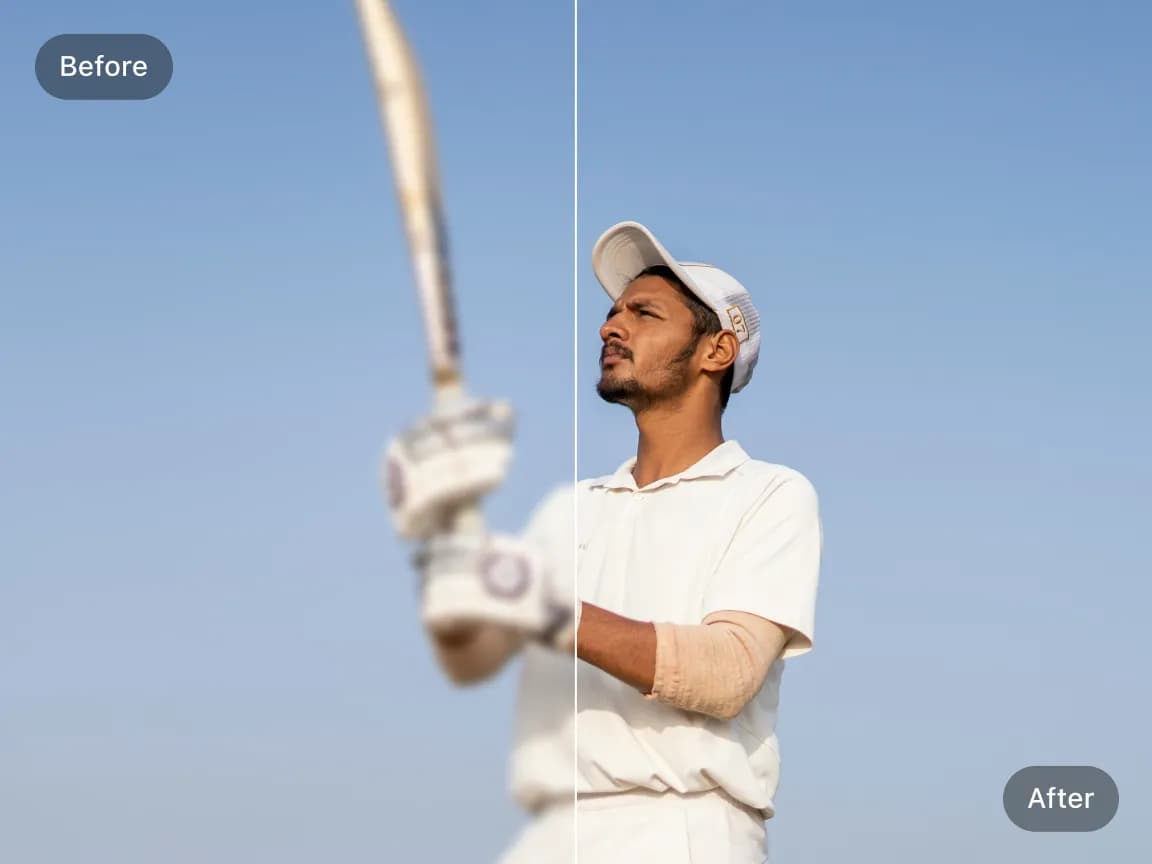
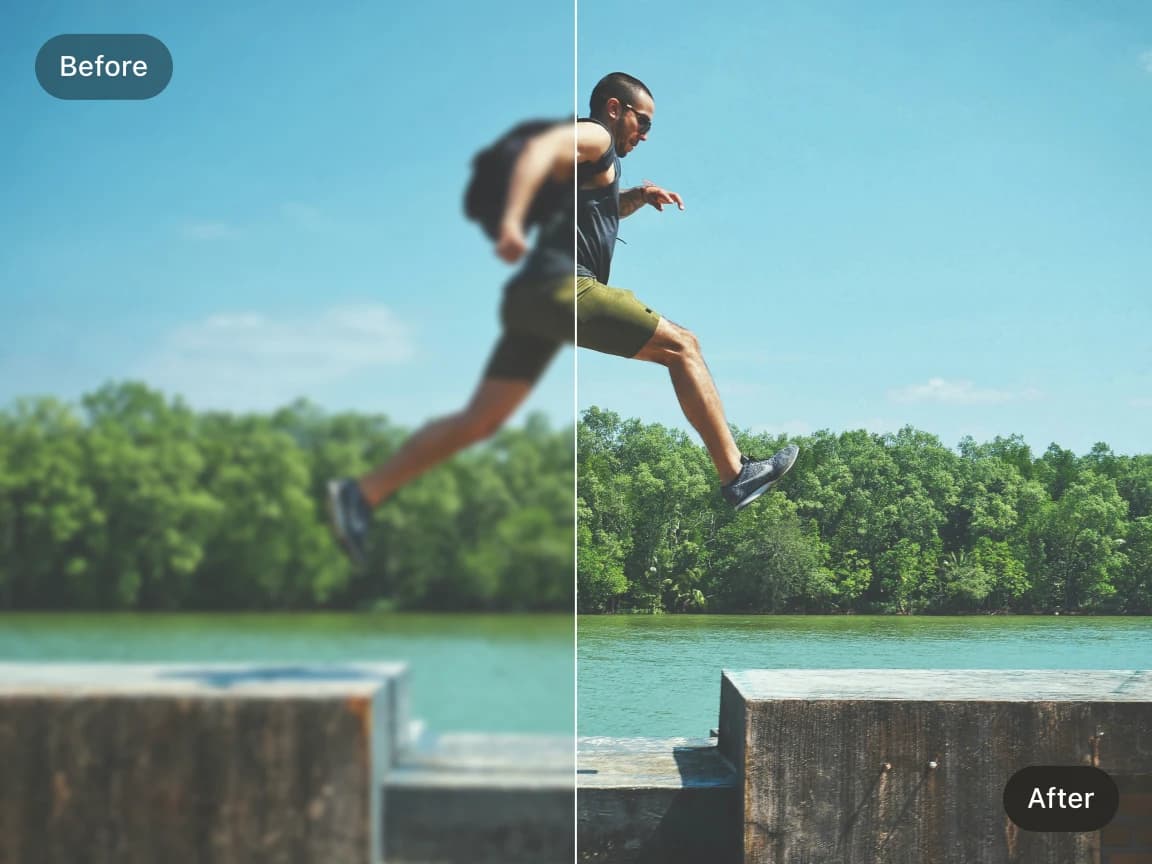
Improve edge clarity, hair detail, product contours, textural detail, and object definition without complicated manual editing or sharpening sliders.
Sharpen AI-generated images and digital artwork when faces, textures, line work, or object edges look too soft for publishing or printing.
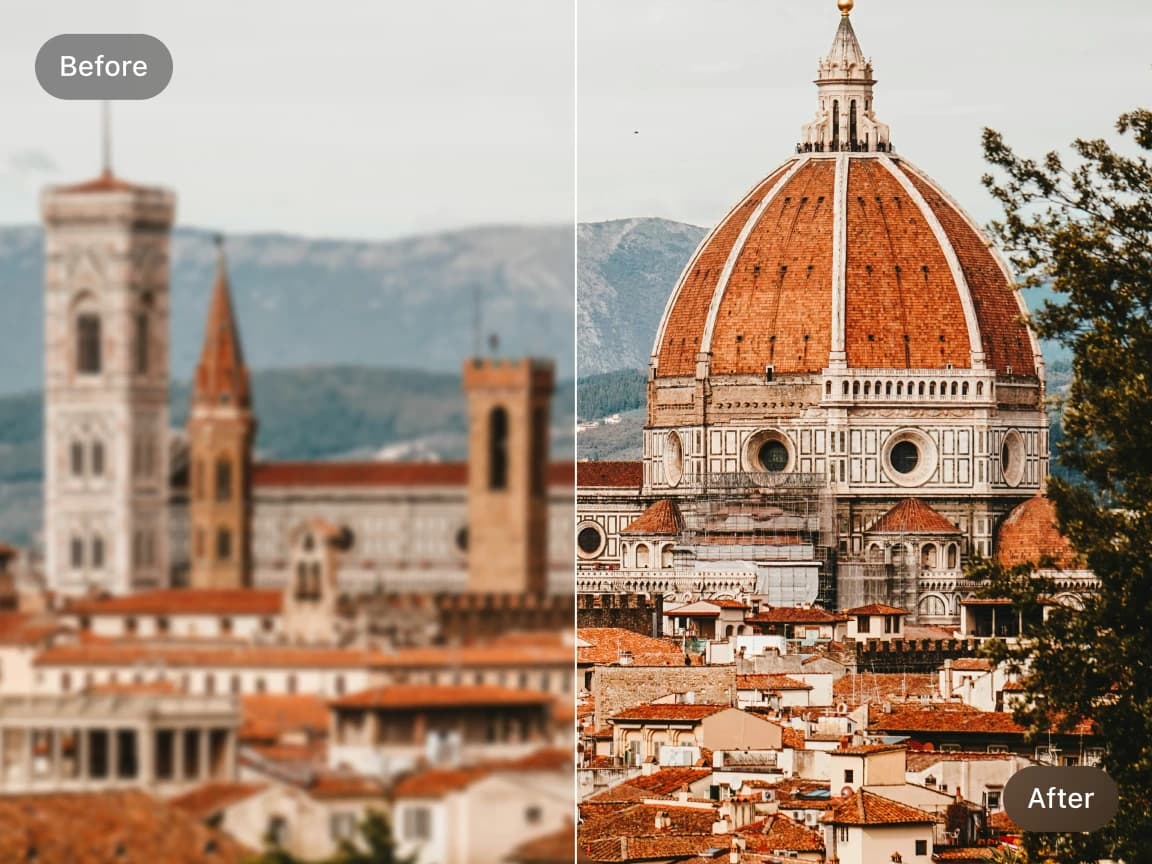
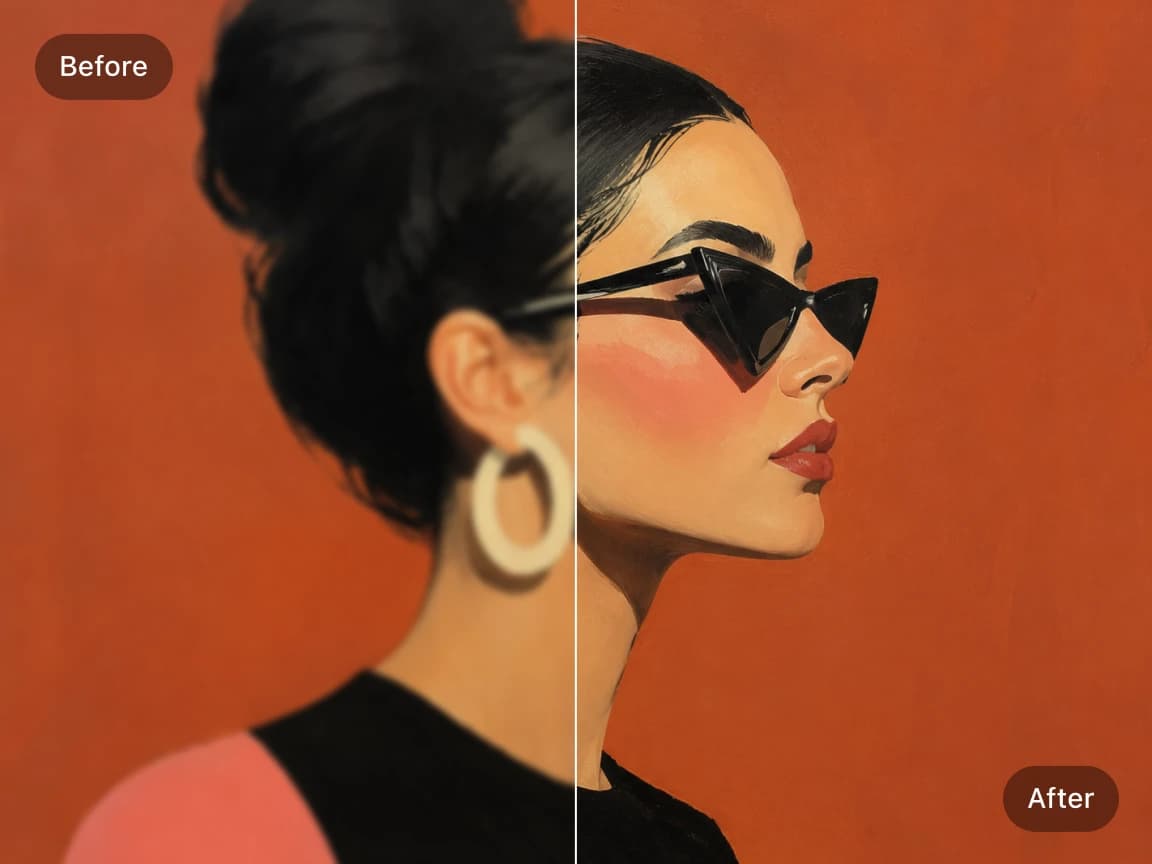
Use the AI image sharpener before posting product photos, thumbnails, profile pictures, social media images, screenshots, or creative assets that need clearer details.
Improve the definition of portraits, product photos, screenshots, thumbnails, illustrations, and other images that need clearer edges and visible texture.

Choose a focused AI tool for enlarging, enhancing, repairing, or transforming an image instead of navigating a complicated editor.
Review the processed result alongside the original image before deciding whether to download it.
Upload an image, start the selected AI process, preview the result, and download it from your browser without installing software.
Work with common image formats such as JPG, PNG, and WebP, with exact format and file-size limits shown in each uploader.
Uploaded and processed images are automatically deleted within six hours instead of being kept as a permanent public gallery.
Try supported AI tools with free credits. Sign-in requirements, processing options, and usage limits may vary by tool and plan.
Find clear answers about using this Imglarger online image tool.
An AI image sharpener is an online tool that uses artificial intelligence to improve image clarity, sharpen edges, and restore lost details in blurry or low-quality photos. It helps make images look cleaner, sharper, and more professional automatically.
Imglarger analyzes soft edges and low-contrast details, then improves local sharpness, clarity, and texture. The result depends on how much usable detail remains in the source image.
Yes. The tool can improve soft edges, textures, and line work in AI-generated images and digital artwork for a cleaner final result.
The AI image sharpener supports popular image formats including JPG, JPEG, PNG, and WebP. It works effectively with photographs, digital artwork, AI-generated images, anime pictures, and illustrations.
AI sharpening can improve many soft or slightly blurry images, but extremely blurred photos may not recover all original detail. Clearer source images usually produce better sharpening results.
You can sharpen portraits, product photos, screenshots, thumbnails, illustrations, anime images, and AI-generated artwork in JPG, PNG, or WebP format.
Sharpening focuses on blur, edge clarity, and fine detail. Enhancing improves broader image quality, including noise, compression artifacts, contrast, texture, and overall clarity.
Try a less compressed or higher-resolution source when possible. Extremely blurred images may not contain enough reliable detail to recover, so always review the comparison before downloading.