Step 1
Upload an Image
Drag and drop the image you want to edit. The AI background remover works with product photos, portraits, graphics, and images with solid, gradient, or complex backgrounds.
VideoUpscaler.com is now live. Try the new video upscaler for faster, cleaner results.
Visit VideoUpscaler.comUpload a photo and let Imglarger remove the background automatically. Create clean transparent images for products, portraits, social media posts, presentations, and design projects while keeping the main subject clear.
Drag & drop images here
or click to browse
JPG, PNG, WEBP · up to 10 MB per file · max input 1024px
Follow these simple steps to remove your image background with Imglarger.
Drag and drop the image you want to edit. The AI background remover works with product photos, portraits, graphics, and images with solid, gradient, or complex backgrounds.
Click 'Upload and Start' to begin. The AI will detect the main subject and remove the surrounding background while keeping the subject clear.
Preview the result, make additional edits if needed, and download the image with a transparent background.
Remove backgrounds from product photos, portraits, profile pictures, and social images without tracing the subject manually. AI identifies the foreground and creates a transparent result automatically.
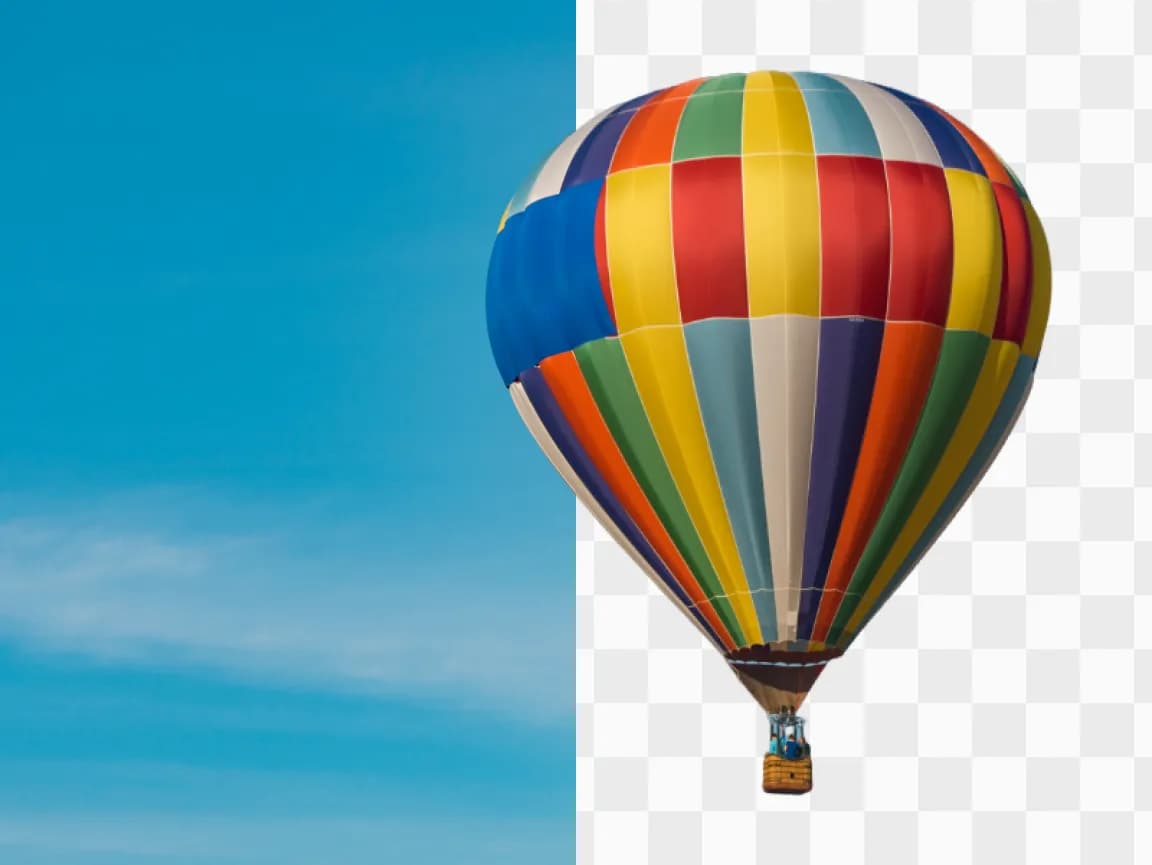
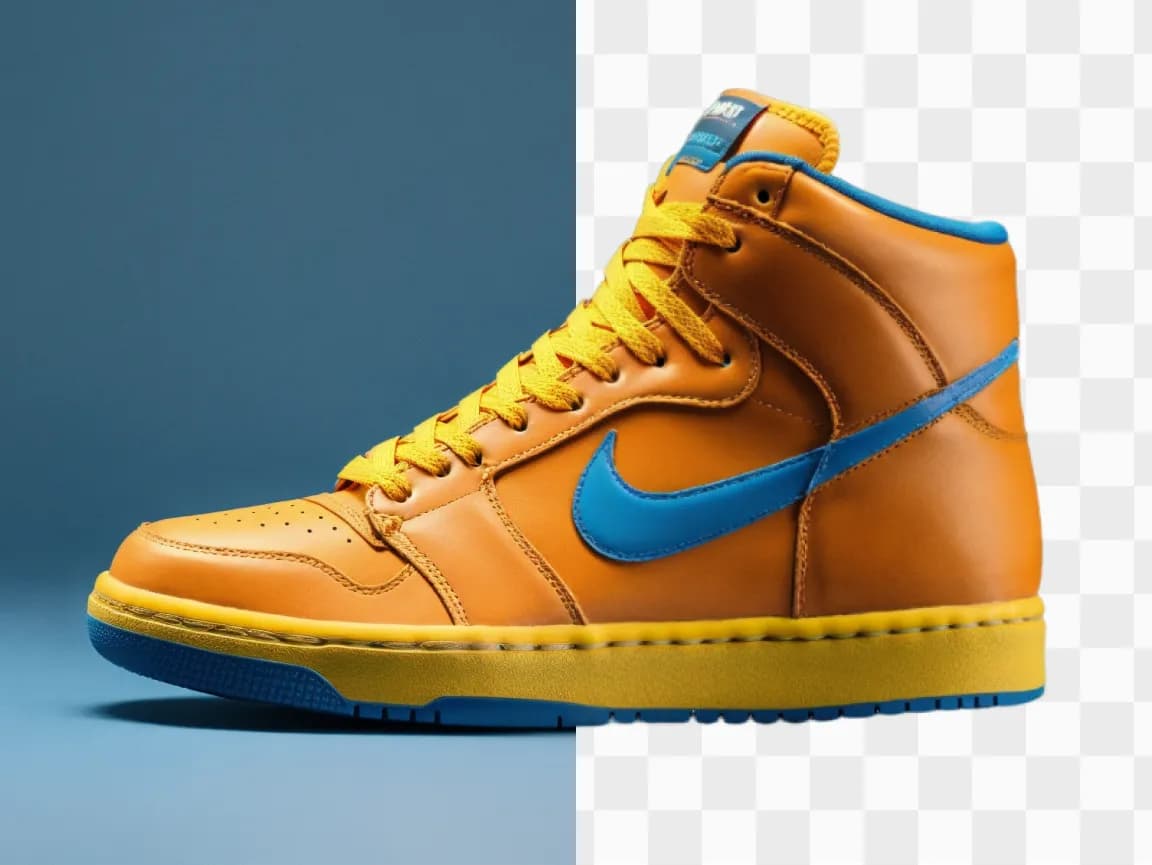
Prepare cutout images for online stores, presentations, thumbnails, profile pictures, marketing graphics, and design projects with a simple upload, preview, and download workflow.
Choose a focused AI tool for enlarging, enhancing, repairing, or transforming an image instead of navigating a complicated editor.
Review the processed result alongside the original image before deciding whether to download it.
Upload an image, start the selected AI process, preview the result, and download it from your browser without installing software.
Work with common image formats such as JPG, PNG, and WebP, with exact format and file-size limits shown in each uploader.
Uploaded and processed images are automatically deleted within six hours instead of being kept as a permanent public gallery.
Try supported AI tools with free credits. Sign-in requirements, processing options, and usage limits may vary by tool and plan.
Find clear answers about using this Imglarger online image tool.
An AI background remover uses artificial intelligence to detect the main subject in an image and remove the surrounding background automatically. It is useful for creating transparent PNGs, product photos, profile images, and design assets.
To remove the background, upload your image to Imglarger's AI Background Remover tool. The AI will automatically detect and cut out the background. You can then download the image with a transparent background or replace it with a new background.
Yes, Imglarger's AI background remover works with various image types, including portraits, product photos, and other graphics. It efficiently removes backgrounds from a wide range of images.
The tool aims to preserve the main subject while removing the background. Complex hair, fur, transparent objects, shadows, or similar foreground and background colors may produce less precise edges.
Free credits may be available so you can try the AI background remover. Current credit requirements and usage limits are shown in the product interface.
Processing time depends on image size and current server demand. The page shows progress while the transparent result is being created.