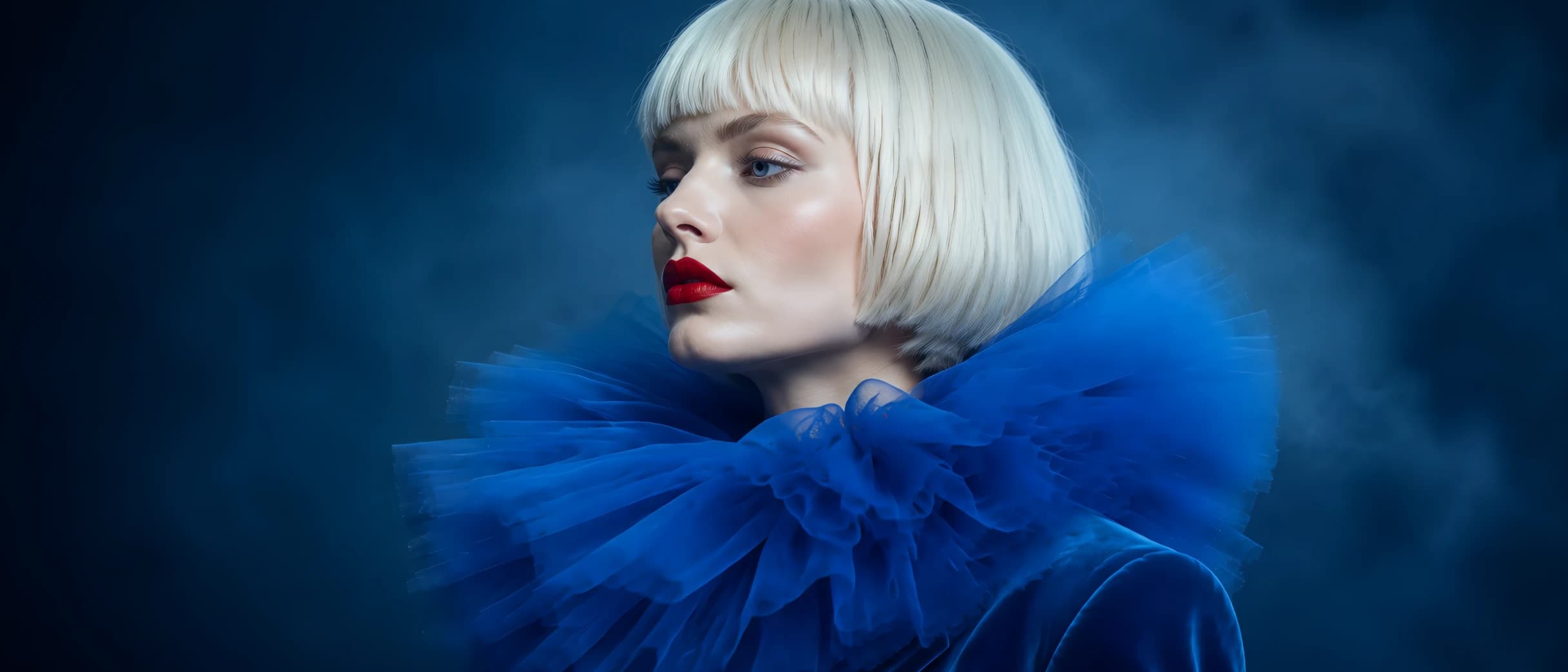
AI Image Enlarger
Enlarge images by 2x, 4x, or 8x while improving visible edges and textures for a cleaner, larger result.
VideoUpscaler.com is now live. Try the new video upscaler for faster, cleaner results.
Visit VideoUpscaler.comMake small or cropped images ready for larger screens, print, and creative layouts. Enlarge images up to 8x, improve resolution, or extend backgrounds with focused AI tools.
Enlarge images by 2x, 4x, or 8x while improving visible edges and textures for a cleaner, larger result.
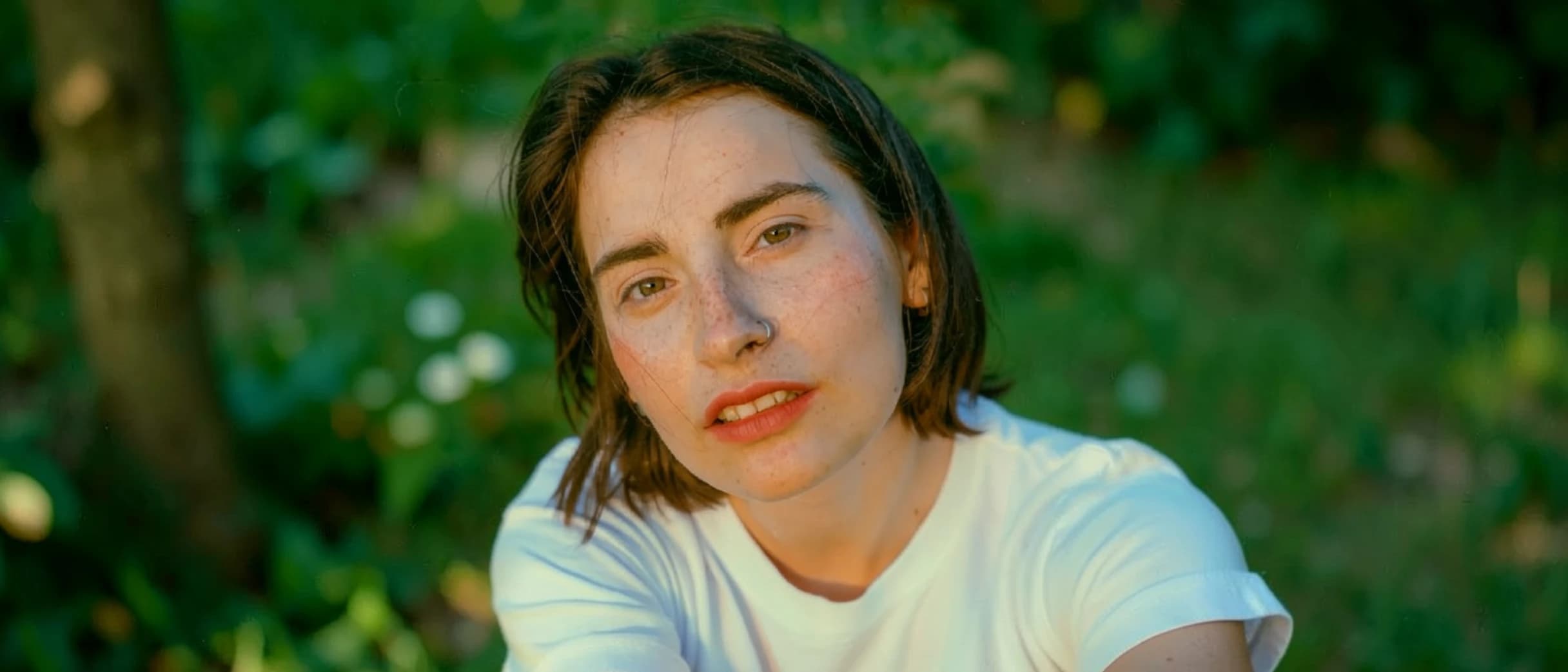
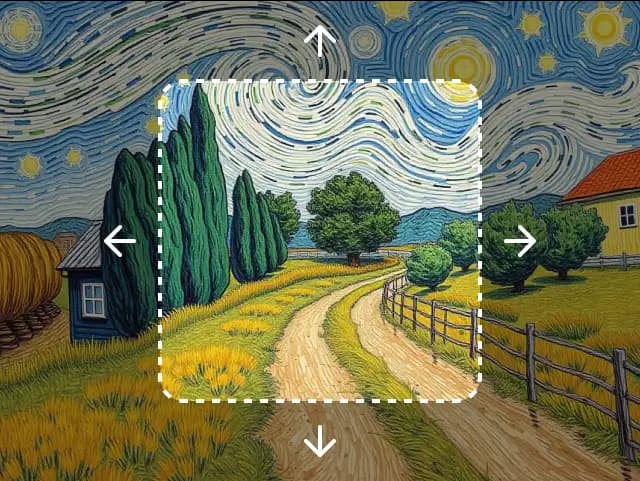
Expand and uncrop images with generative AI outpainting. Extend backgrounds, change aspect ratios, and generate realistic new content seamlessly.
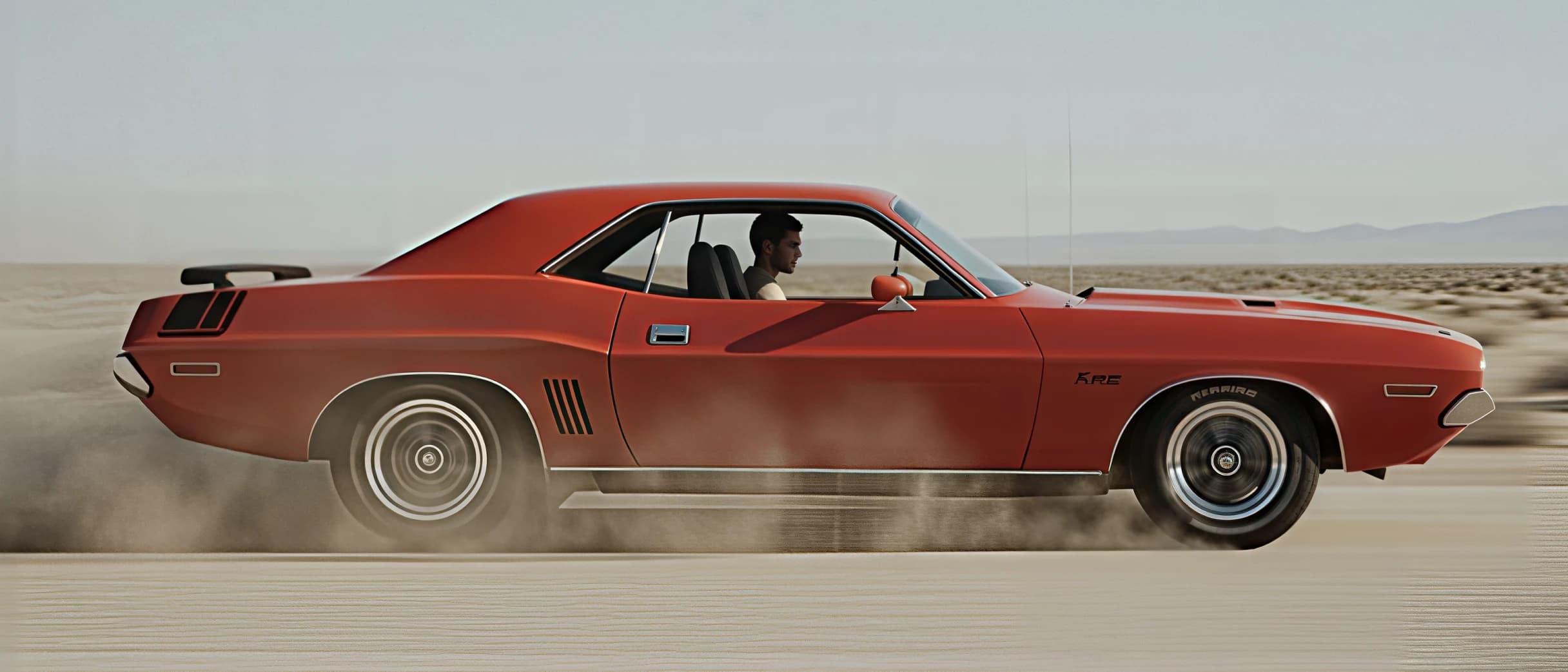
Improve overall photo clarity and texture while reducing visible softness, noise, and compression artifacts.
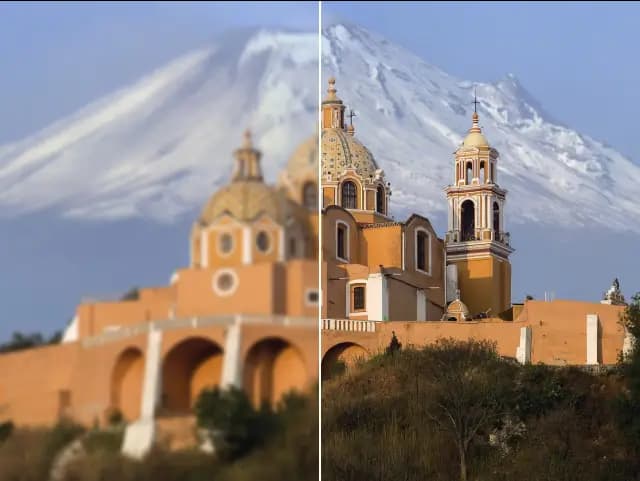
Increase image resolution by 2x or 4x with cleaner detail and less visible pixelation than basic resizing.
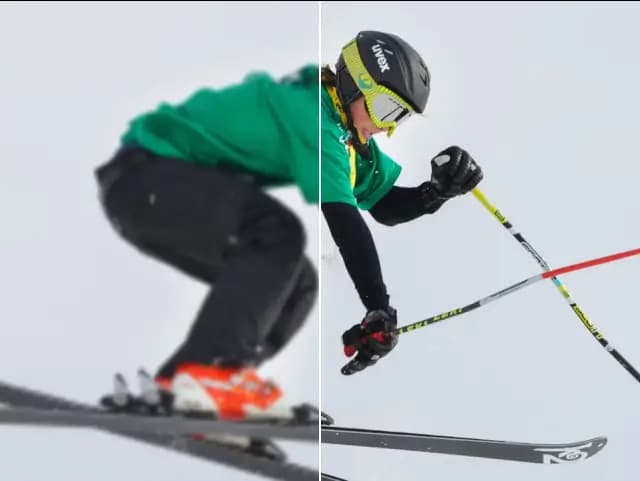
Reduce blur and improve edge definition to make soft images look crisp and clear.
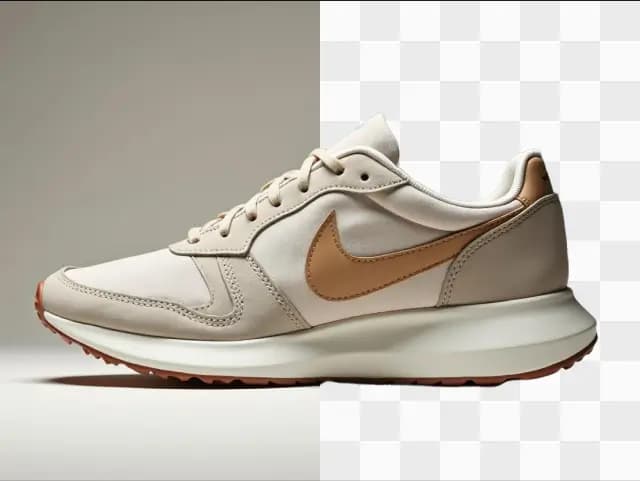
Remove image backgrounds and create transparent PNGs for product photos, portraits, and design assets.
Crop, resize, rotate, adjust color and lighting, add text or frames, annotate details, and blur selected areas directly in your browser.
Convert images to JPG, PNG, WebP, or JPEG with browser-based tools for batch processing, optional resizing, and ZIP download.


Convert WEBP images to JPG in your browser with batch processing and optional resizing.

Convert WEBP images to PNG in your browser with batch processing and optional resizing.
Convert JPG images to PNG in your browser with batch processing and optional resizing.
Convert JPG images to WEBP in your browser with batch processing and optional resizing.
Convert PNG images to JPG in your browser with batch processing and optional resizing.

Convert HEIC images to JPG in your browser with batch processing and optional resizing.
Use focused tools for the four image improvements people need most: enlarge small images, increase resolution, extend cropped backgrounds, and improve overall photo quality. Each workflow includes a preview before download.
Make photos, artwork, product images, and AI-generated visuals 2x, 4x, or 8x larger. AI enlargement improves visible edges and textures instead of relying on basic pixel stretching.
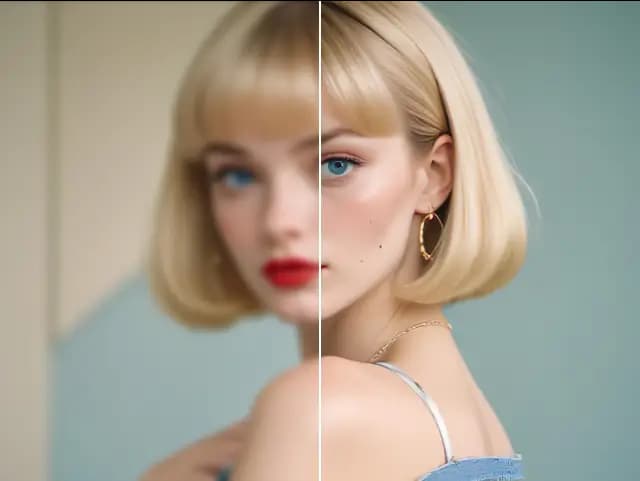
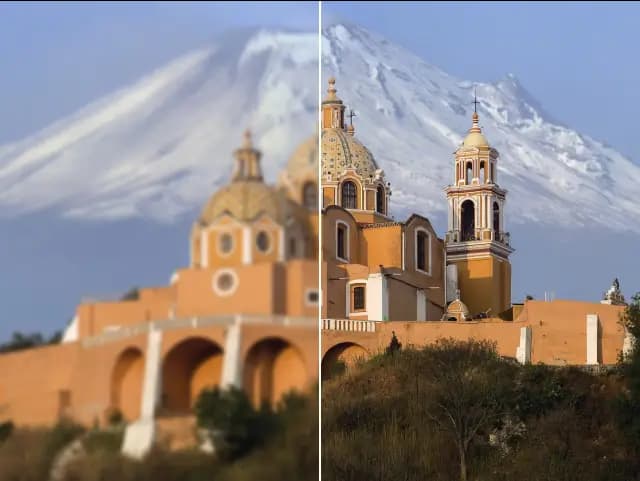
Increase image resolution by 2x or 4x while reducing visible pixelation and compression artifacts. Prepare photos and digital artwork for websites, presentations, high-resolution screens, and creative projects.
Expand an image beyond its original borders, continue the surrounding scene, or change its aspect ratio without cutting out the main subject. AI outpainting generates new areas that match the source composition.
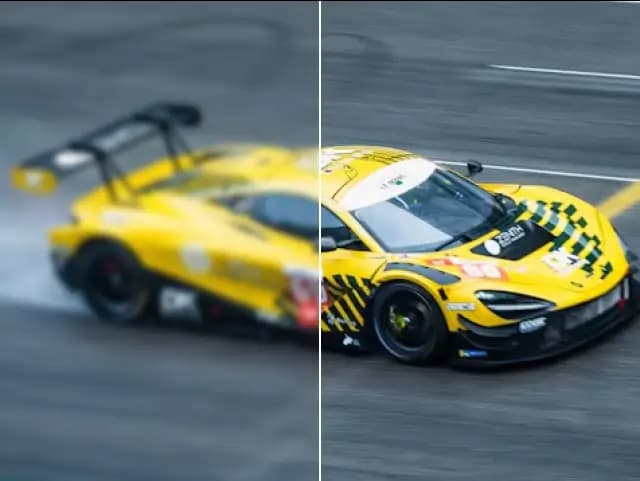
Improve soft, noisy, compressed, or low-quality images by refining texture and visible detail. Use the dedicated Image Sharpener when edge clarity and mild blur are the main problems.
Choose a dedicated workflow for enlargement, upscaling, uncropping, enhancement, or sharpening instead of navigating a complicated editor.
Enlarge images by 2x, 4x, or 8x, or use focused 2x and 4x upscaling when higher resolution is your main goal.
Compare the processed image with the original before downloading the result to your device.
Uploaded and processed images are automatically deleted within six hours rather than being kept as a permanent public gallery.
Use batch processing on supported tools and plans, while focused generative workflows process one image at a time.
Crop, resize, rotate, adjust, and convert common image formats with supporting browser-based tools.
Real feedback and published reviews about ImgLarger AI Image Enlarger.
AI Image Enlarger promises that its upscaling technology produces high-quality results that preserve the quality of the source image. AI Image Enlarger improves the quality of images that you enlarge. The quality of output certainly improves when you use the service.
Martin Brinkmann
Owner of GhacksAI Image Enlarger allows you to scale images up to 800% and enhance photos without losing quality, which is especially useful for photographers and graphic designers.
Eva Williams
Editor of FixthephotoWonderful AI Image Enlarger online tool. Enlarge your images without losing quality, based on their SRCNN structure and optimized hardware. Super fast.
Nancystinson
Product HunterIn simple terms, it details the tiny part of images in high resolution, so yes, it is a good project.
Laurent Amaechi Jude
ProductHunt UserUpscale and enhance your small and low-definition images/photos easier than ever! With AI Image Enlarger software you can easily upscale and enhance your small and LD images.
Nick H.
Editor of FilehorseImglarger, basically known as AI Image Enlarger, is the best online tool powered by AI (Artificial Intelligence) that helps you in scaling your images without losing its quality.
SARMAD NADEEM
Editor of TrendstorysAI Image Enlarger aims to fix the issues which plague other similar tools, such as a blurry photo, slow and inefficient algorithms, limited support etc. It's not platform specific – instead, you can use it on Windows, Mac, iOS and Android.
Christian
AccuratereviewsWe can call AI Image Enlarger one of the best services for increasing the resolution of images. If you need to upscale numerous photos, consider a paid subscription.
Download AI Enlarger - photo editing and quality enhancement app. Enlarge original photos and anime images up to 200%, 400% or 800% without losing quality.
Nguyễn Trường Giang
Editor of taimienphiFind clear answers about using this Imglarger online image tool.
Imglarger is an online collection of AI image tools focused on enlargement, upscaling, enhancement, sharpening, and uncropping. It also includes supporting tools for background removal, old photo restoration, image editing, and format conversion.
AI Image Enlarger focuses on making an image physically larger, with options up to 8x. AI Image Upscaler focuses on increasing resolution by 2x or 4x for cleaner output on larger screens and high-resolution projects.
AI Image Enlarger supports 2x, 4x, and 8x enlargement options. Available ratios and output limits can depend on the source image and your current plan, and are shown in the tool before processing.
AI Uncrop, also called AI Image Extender, expands an image beyond its original borders. It can extend backgrounds, create more space around a subject, and change aspect ratios with generative AI outpainting.
Use AI Photo Enhancer for broader quality problems such as softness, noise, compression artifacts, and weak texture. Use AI Image Sharpener when mild blur, fuzzy details, or unclear edges are the main issue.
Core AI tools support common formats such as JPG, JPEG, PNG, and WebP. File-size and dimension limits vary by tool, so the uploader displays the current requirements before you start.
No. AI can improve many small, soft, noisy, or low-resolution images, but it cannot reliably recover detail that is completely absent. Clearer source images generally produce more accurate and natural-looking results.
Free credits or guest trials may be available for supported AI tools. Sign-in requirements, processing options, and usage limits vary by tool and plan and are shown in the product interface.
Yes. Imglarger works in modern browsers on desktop computers, tablets, iPhone, and Android devices, so you can process and download images without installing desktop software.
Uploaded and processed images are automatically deleted within six hours instead of being kept as a permanent public gallery. Avoid uploading files you do not have permission to process.