Step 1
Upload Your Image
Drag and drop the image you want to enhance. The AI photo enhancer supports JPG, PNG, and WebP image formats.
VideoUpscaler.com is now live. Try the new video upscaler for faster, cleaner results.
Visit VideoUpscaler.comImprove noisy, compressed, soft, or dull photos with Imglarger AI Photo Enhancer. Clean up visible artifacts and refine texture for product listings, portraits, and images you want to publish or share. Compare color, lighting, and detail in the preview to decide whether the enhancement suits your photo.
Drag & drop one image here
or click to browse
JPG, PNG, WEBP · up to 8 MB
Upload your photo, review the available output settings, and compare the enhanced result before saving a copy to your device.
Drag and drop the image you want to enhance. The AI photo enhancer supports JPG, PNG, and WebP image formats.
Choose from the output options shown in the uploader for your image. Check the available resolution and processing requirements before starting, so the result fits the way you plan to use it.
Click 'Upload and Start' to process your image. When the result is ready, compare it with the original and check texture, color, and facial detail before downloading. Processing time varies with image size and service demand.
Enhance clarity, contrast, texture, and fine detail in one workflow. The AI photo enhancer is built for images that look soft, compressed, noisy, or generally low quality.
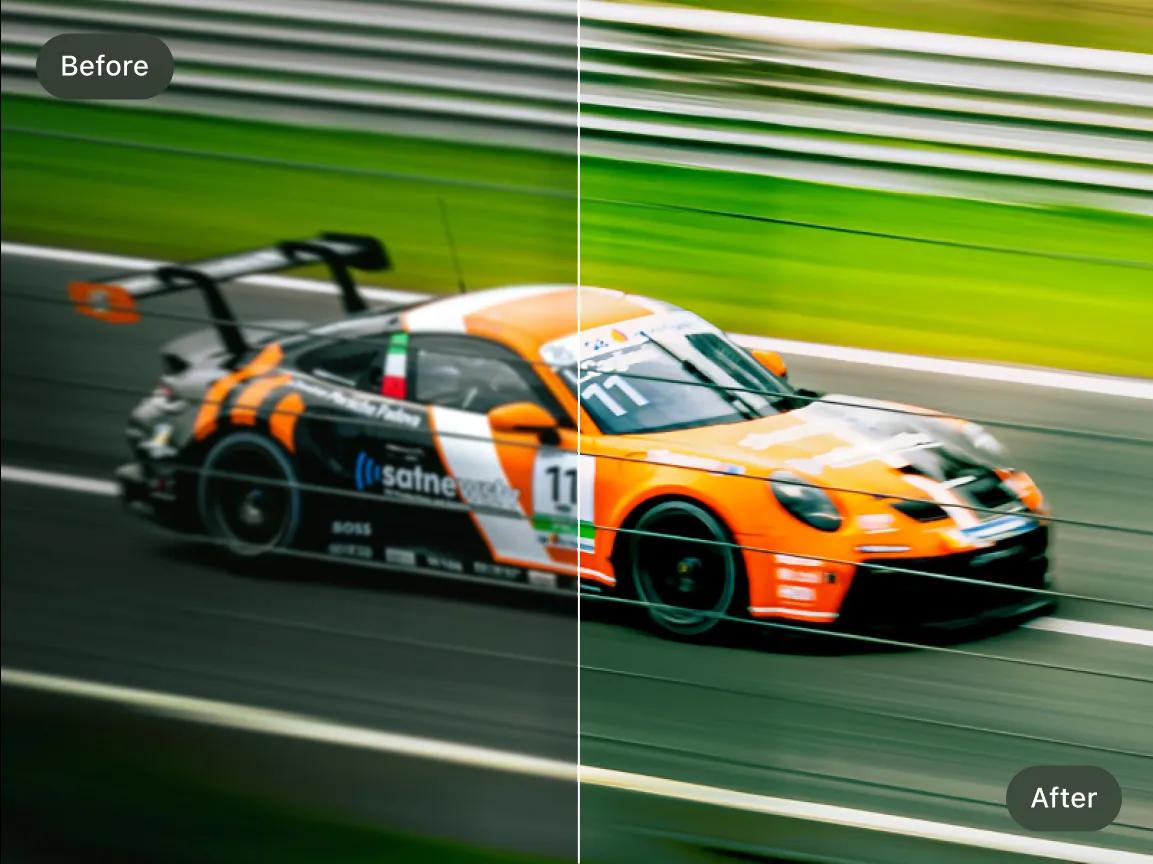
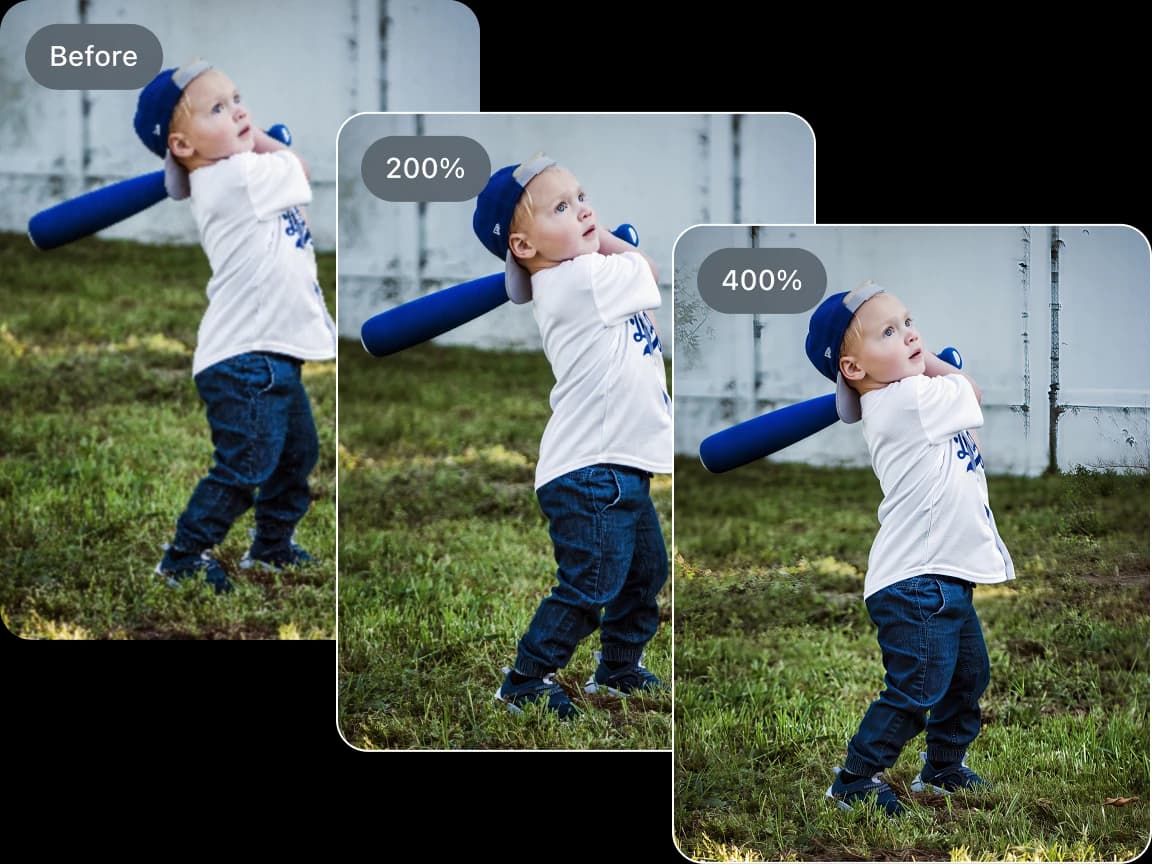
Reduce digital noise, JPEG artifacts, blockiness, and muddy textures from web downloads, social media uploads, screenshots, and old low-resolution photos.
Improve AI-generated images and digital artwork by cleaning up visible artifacts, refining textures, and increasing overall visual clarity.
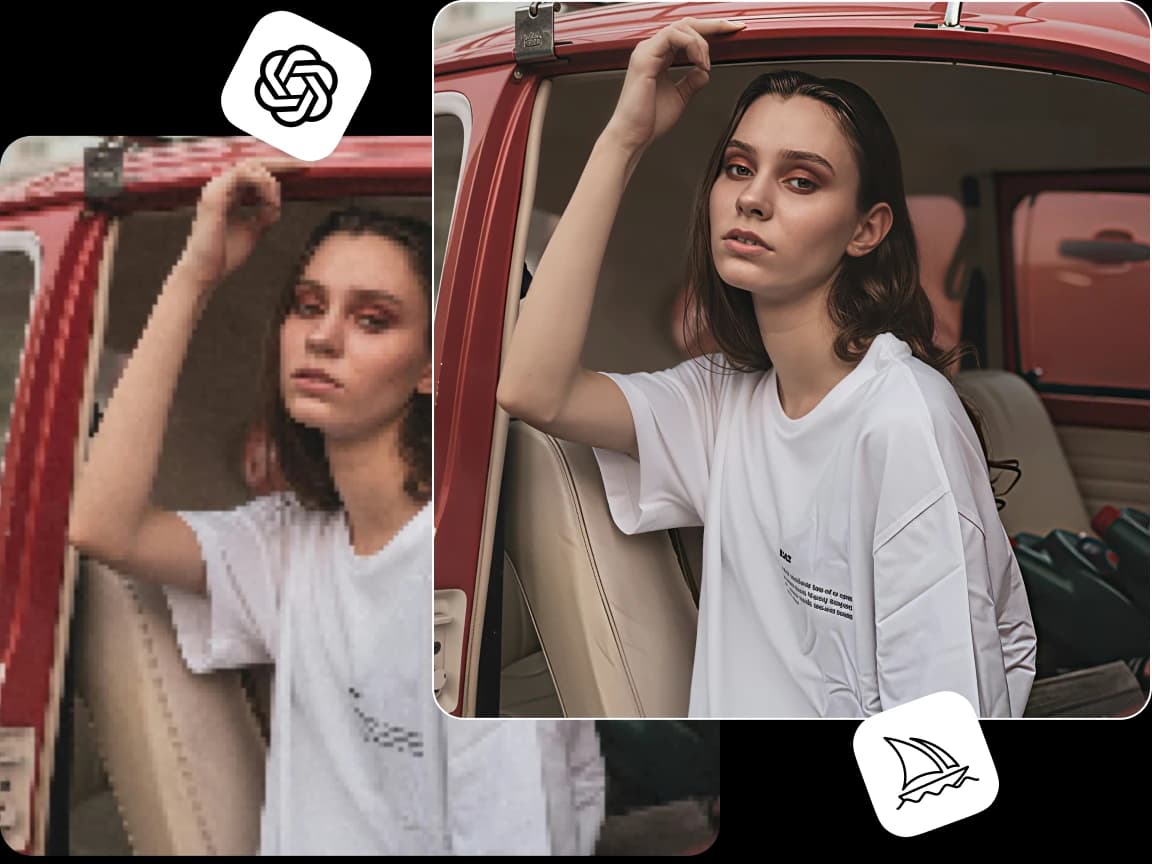
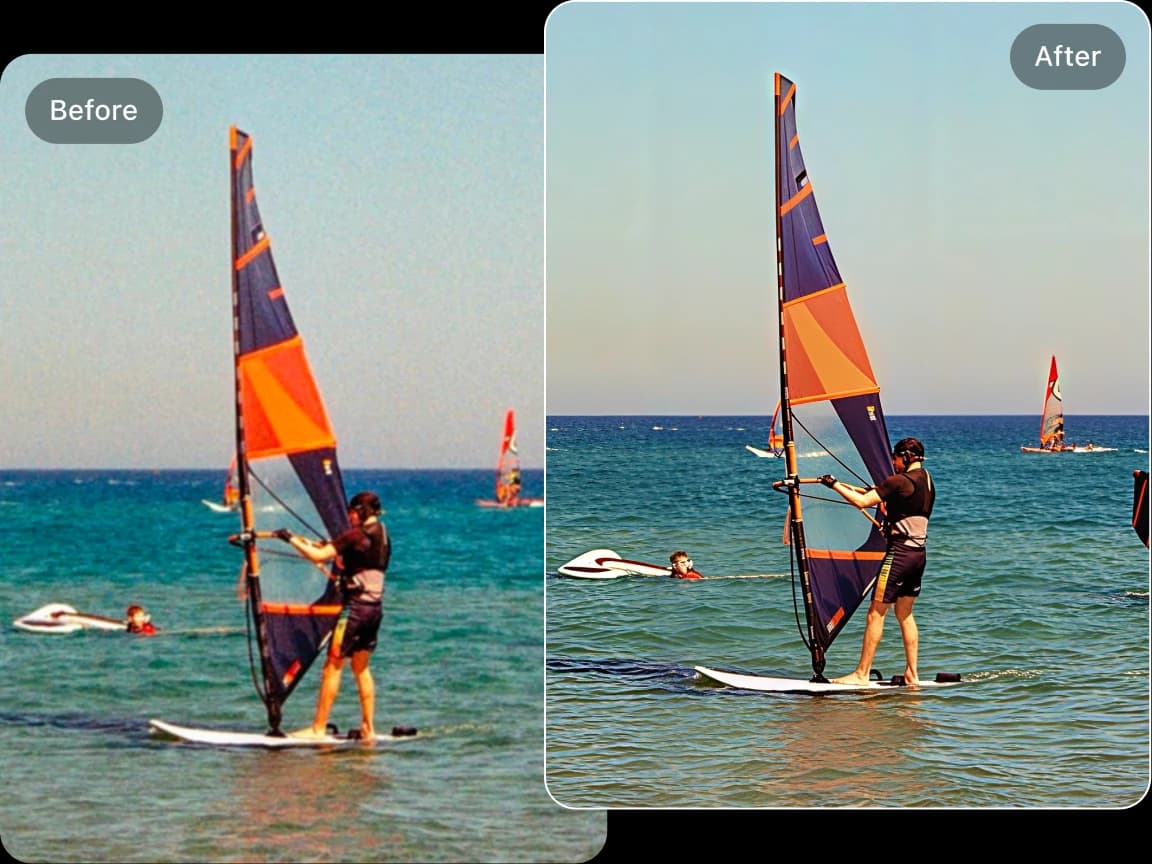
Improve visible texture while aiming to keep faces, skin tones, colors, and lighting recognizable. Review fine details in the comparison view and choose a result that fits the photo. Strongly compressed or heavily blurred sources may still show artifacts after enhancement.
Use the AI image enhancer for portraits, product photos, anime images, digital illustrations, screenshots, and content assets that need better quality before publishing or sharing.
Choose a tool to enlarge a small image, improve photo quality, repair an old picture, or change its appearance. Start with the task you need.
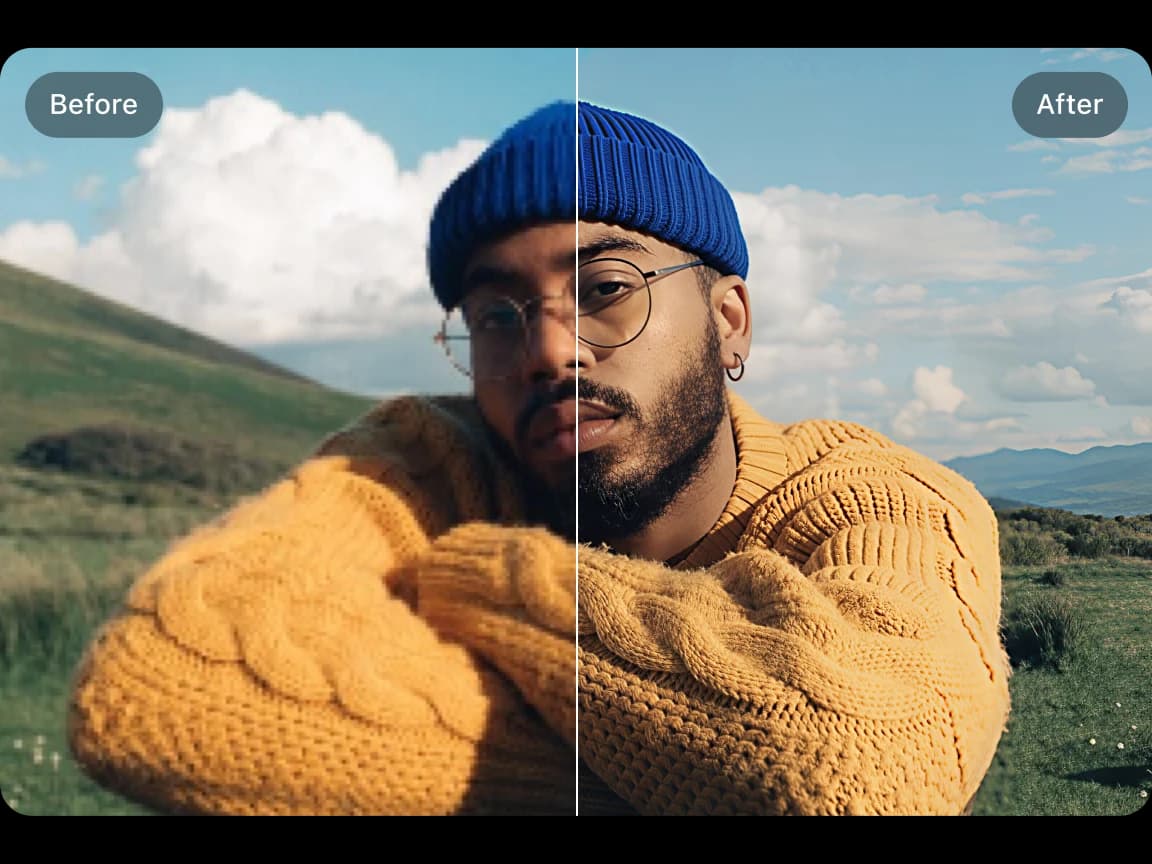
See the original and processed image side by side. You can check what changed before downloading a copy.
Upload an image, start the selected AI process, preview the result, and download it from your browser without installing software.
Work with common image formats such as JPG, PNG, and WebP, with exact format and file-size limits shown in each uploader.
AI tools use uploaded images for processing. Save completed results to your device and consult the Privacy Policy for file handling and retention details; online history is not permanent storage.
Try supported AI tools with free credits. Sign-in requirements, processing options, and usage limits may vary by tool and plan.
Find clear answers about using this Imglarger online image tool.
The AI photo enhancer improves image clarity, sharpness, texture quality, and overall detail. It also reduces blur, digital noise, and compression artifacts while preserving natural colors and realistic image structure.
Yes. The AI photo enhancer can reduce visible noise, JPEG compression artifacts, blocky textures, and softness to make low-quality images look cleaner and easier to use.
Yes. The enhancer can refine textures, improve clarity, and reduce visible artifacts in AI-generated images and digital artwork.
The enhancer is designed to minimize unnecessary color and lighting changes while improving clarity and texture. Always review the preview because AI processing can vary by image.
It works well for portraits, compressed web images, AI-generated artwork, anime pictures, old low-resolution photos, screenshots, digital illustrations, and any image that needs better clarity and higher resolution.
No editing experience is required. Simply upload your image, choose the output quality, and let the AI automatically improve sharpness, detail, and overall image quality.
Yes. After processing, you can compare the original and enhanced versions online before downloading the final result.
Yes. The AI photo enhancer improves overall image quality, including noise, compression, clarity, and texture. The AI image sharpener is more focused on fixing blur and restoring sharper edges.